Agents
Agents
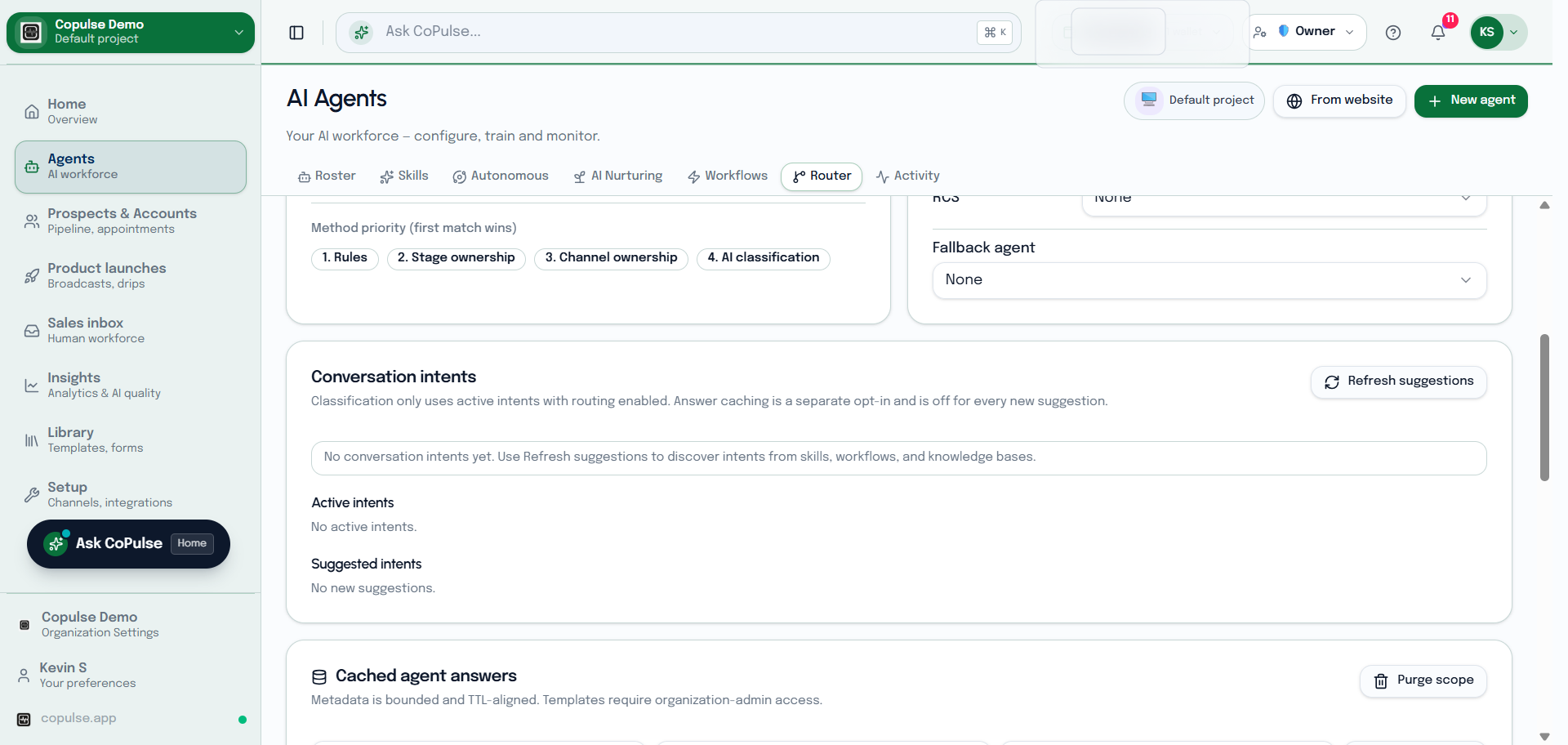
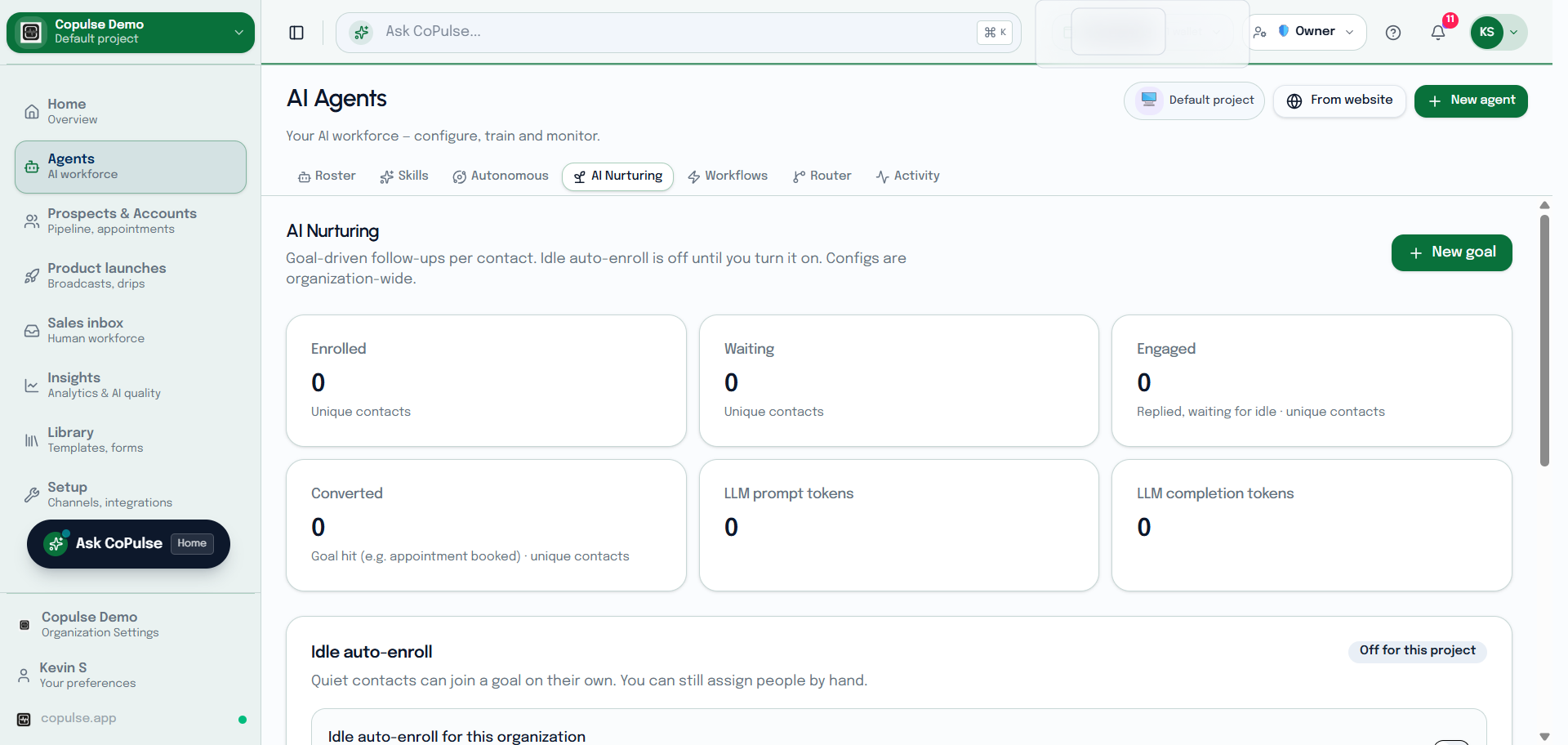
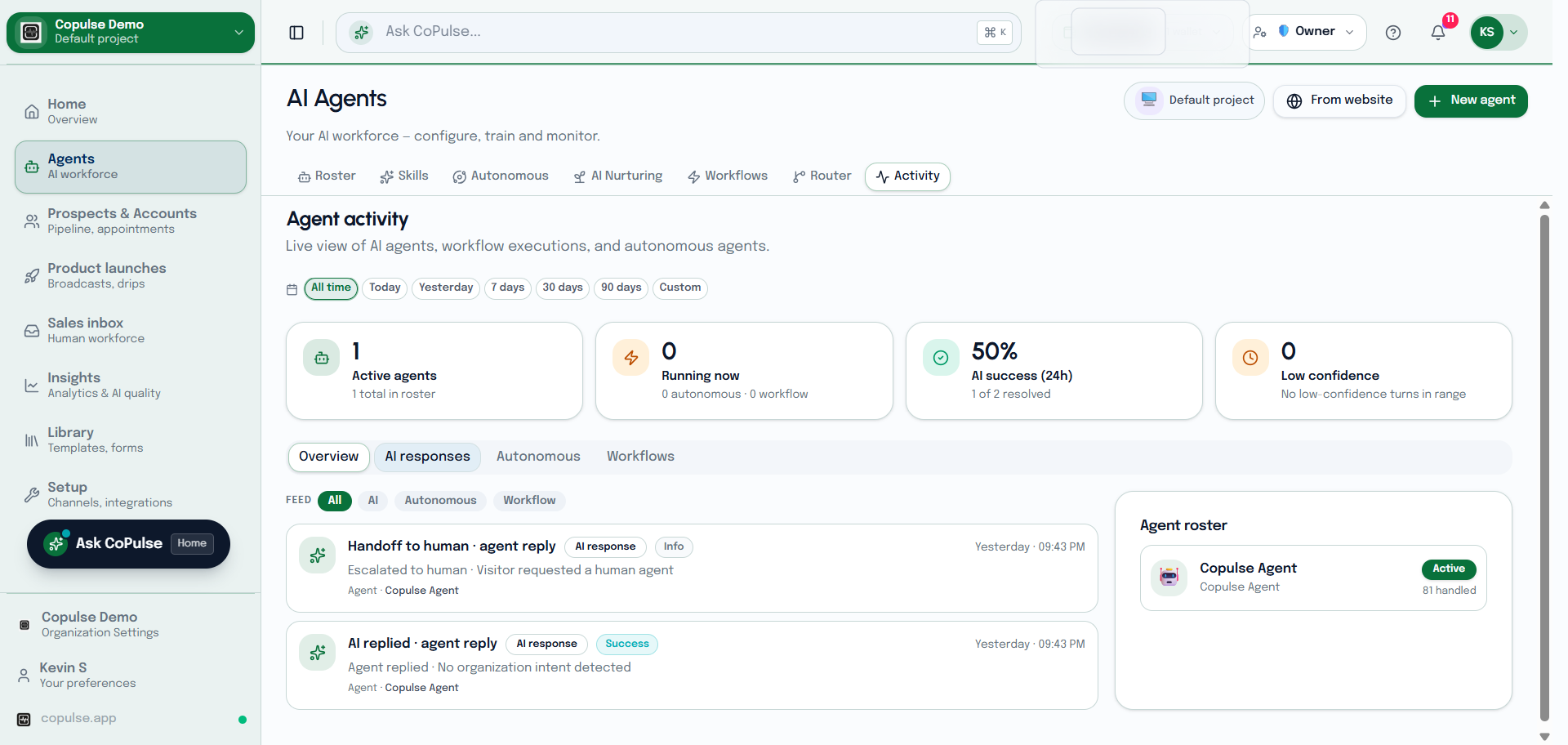
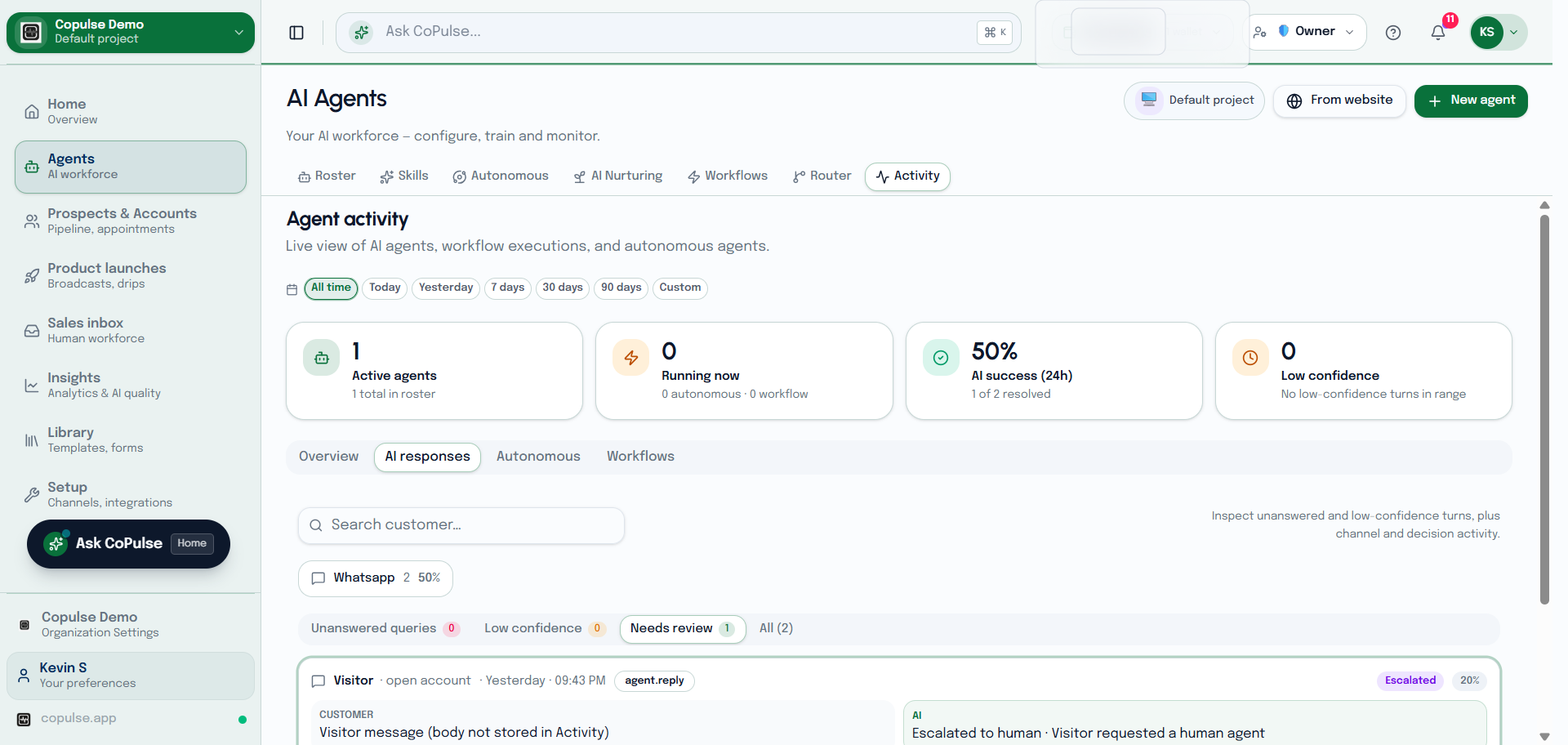
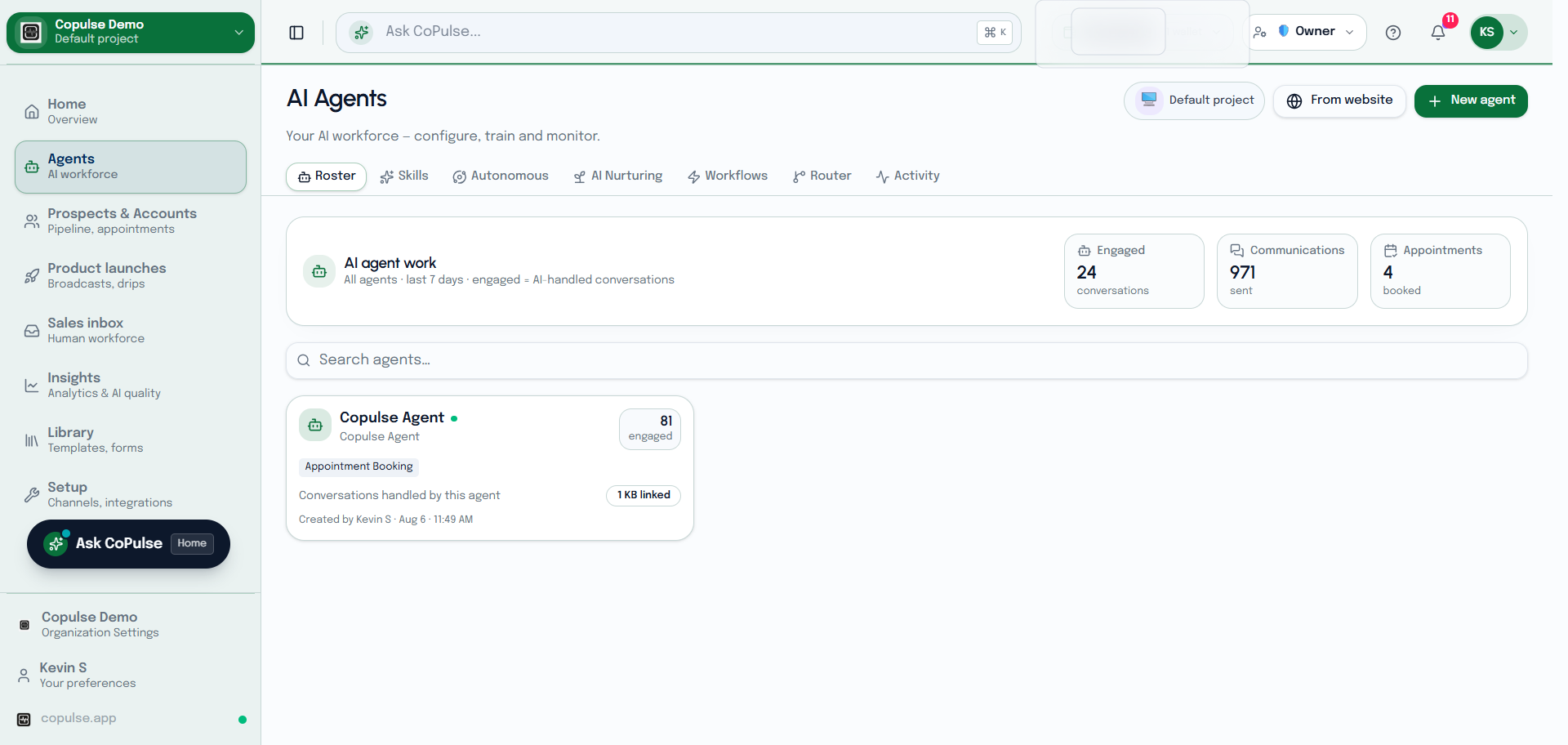
An agent is the conversational AI on your channels. Skills add tools. Workflows run when events fire. Autonomous agents keep working without a new inbound message. Forms collect structured data during a chat.
In the app: Agents
Guides
Create an agent
Persona, channels, knowledge, and greeting.
Read →Skills
Reusable capabilities you attach to an agent.
Read →Forms in an agent
Trigger a Library form or WhatsApp Flow from the agent.
Read →Workflows
Event automations and conversation scripts.
Read →Autonomous agents
Proactive tasks that run without a new customer message.
Read →Other Agents tabs