
Getting started
Your first week in CoPulse
CoPulse is scoped by organization (billing, users, wallet) and project (channels, agents, campaigns). Finish this sequence before you send live traffic.
In the app: Home
1. Organization and project
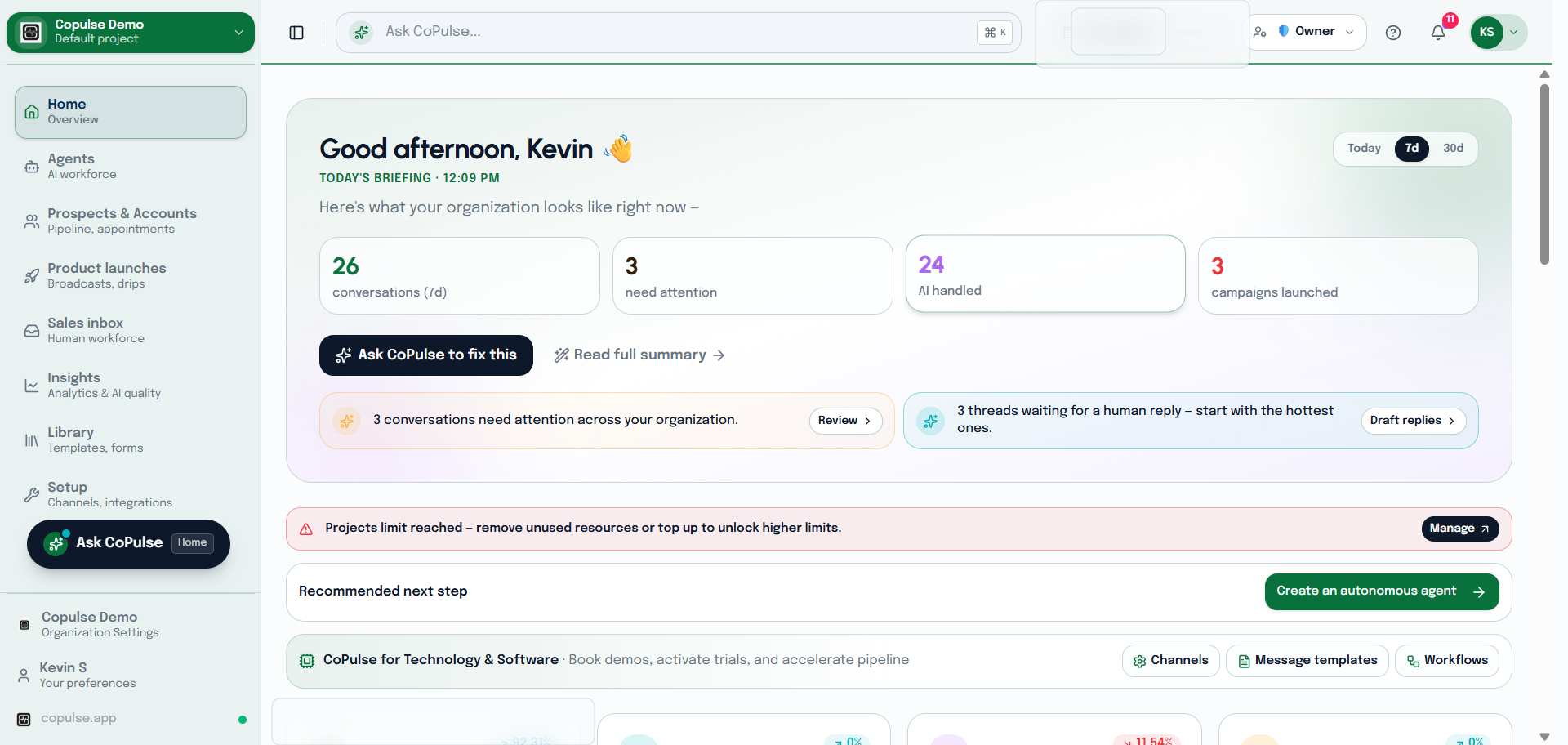
- Sign up and create an organization — this is the tenant for billing, users, and the wallet.
- Create a project inside that organization. Channels, agents, and campaigns live on a project.
- Invite teammates later from Settings → Users. You can complete setup as the organization owner.
Organization is the top-level tenant. Project is the child scope (channels, campaigns, agents). CoPulse does not use “workspace” in the product UI.
2. Wallet
Paid channels (WhatsApp, phone, SMS, RCS, email sends, knowledge ingest) debit the organization wallet. Top up before you buy a phone number or go live on WhatsApp.
- Open Settings → Wallet.
- Add a billing profile if you need invoices.
- Top up. Optionally turn on auto-recharge so campaigns do not pause mid-send.
3. Connect one channel
Pick the channel your customers already use. WhatsApp is the most common first channel in India.
4. Agent, knowledge, test
- Create a knowledge base with FAQs or your website.
- Create an agent and attach that knowledge base.
- Add sandbox contacts so trial messages stay inside your organization.
- Send a test from Inbox or Chat on WhatsApp, then open the thread and use context.
FAQ
Do I need every channel?
No. Connect the one your customers use first. You can add more later on the same project.
Why is the wallet required before phone or WhatsApp?
Number rental, Meta conversation fees, and knowledge ingest debit the organization wallet. Promo or welcome credits cannot buy a phone number.