
Phone
Connect phone and voice
CoPulse provisions a new number through the telephony partner (Plivo). You cannot attach a number you already rent from another provider. After purchase, configure a voice profile and place a test inbound call.
In the app: Setup → Channels → Phone
Existing numbers are not supported
There is no “bring your own number” path. Porting or pasting an existing DID is not available. Buy a new number in the Phone wizard. If you need that line on WhatsApp, buy it here first, then follow WhatsApp new phone.
Buy a number
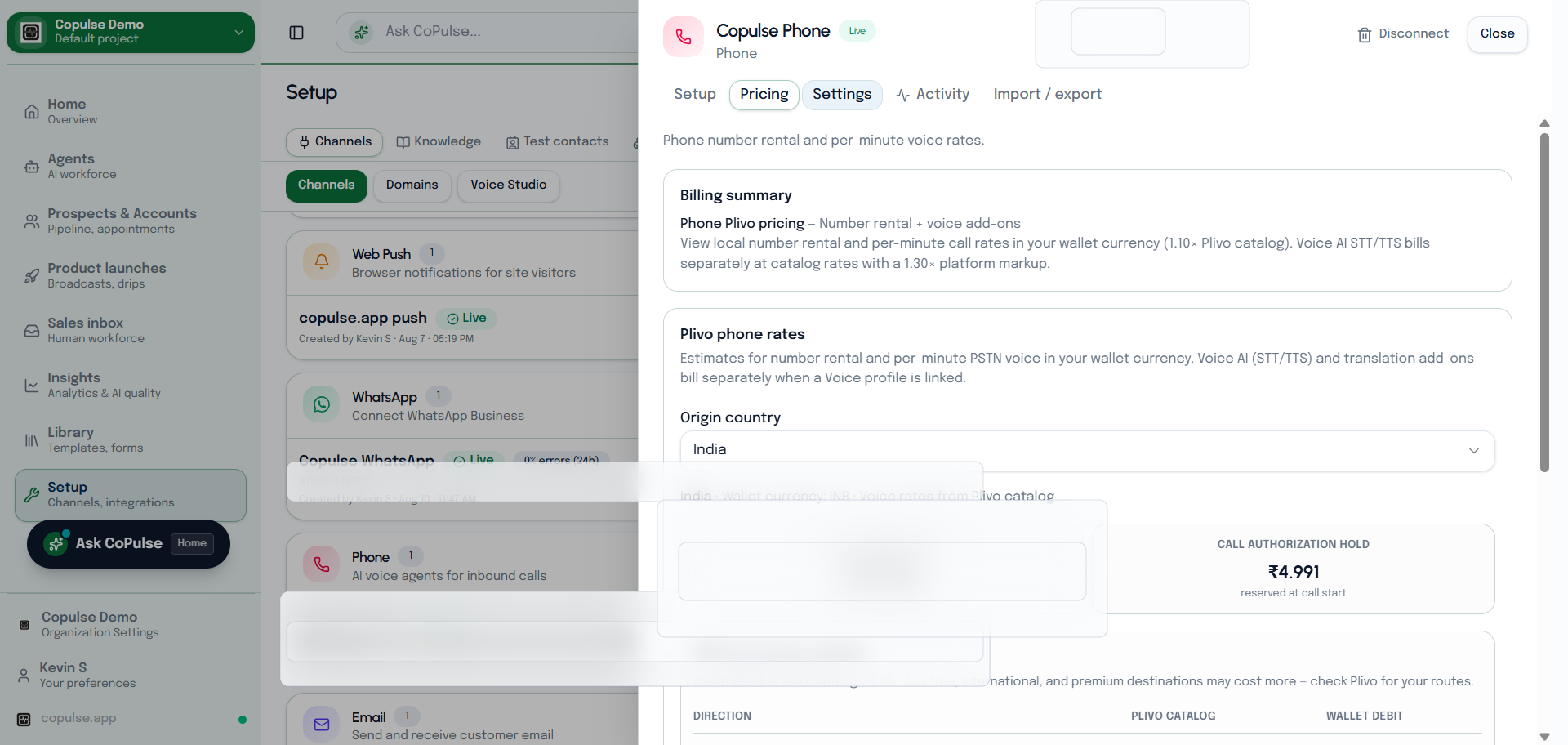
- Top up the organization wallet. Promo / welcome credits cannot purchase a number.
- Open Setup → Channels → Phone and start the wizard.
- Connect telephony credentials when prompted (CoPulse stores Plivo Auth ID / token).
- Choose country and number, then Purchase number.
- Wait until the number shows as ready on the channel.
Voice profile and test
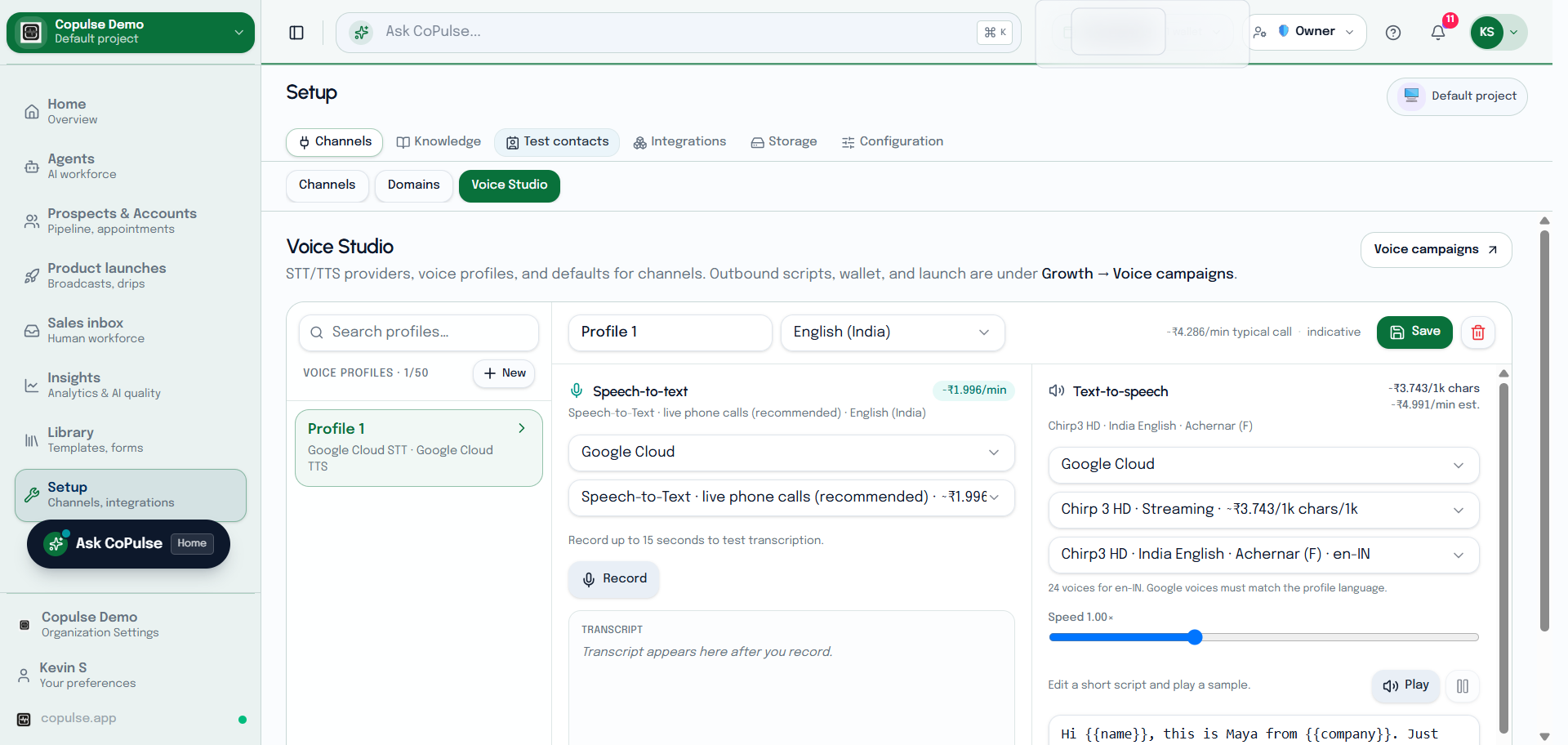
- Open Setup → Voice (or the Phone channel voice settings) and pick STT/TTS.
- Set the greeting in agent training — there is no hardcoded default hello.
- Call the new number from a mobile. Confirm the agent answers and the thread appears in Inbox → Voice if you use call logging.
Settings and what they mean
The identifier is a CoPulse label (for example “Sales hotline”). It does not change the purchased DID.
| Setting | What it means |
|---|---|
| Plivo Auth ID / Token | Filled by CoPulse when the number is provisioned. Readonly; stored encrypted. You do not create a separate Plivo login for the default path. |
| Voice profile | STT/TTS pair from Setup → Voice. Create the profile there, then link it on this channel. Language for the first turn follows the profile until live detection. |
| Greeting | Set on the agent (training greeting), not as a hidden default hello on the number. |
How to test phone
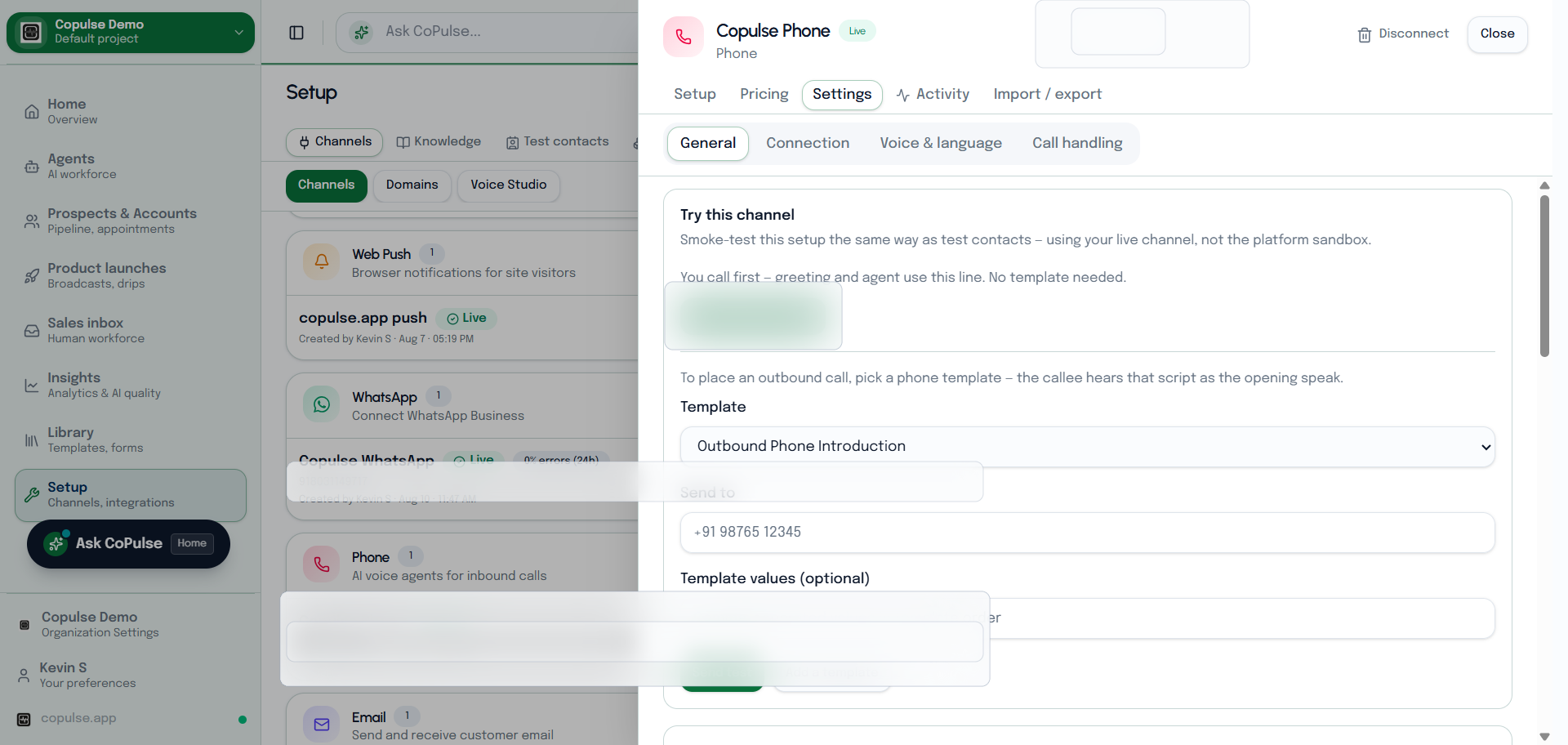
Use Settings → Try this channel and a sandbox contact when you can.
- Inbound: Call this number (tel: link). You speak first. Confirm the greeting, barge-in, and that a voice session or inbox thread appears.
- Outbound: pick a phone template and Send test. The callee hears that script as the opening speak. Promo wallet credits cannot buy the number, but a funded wallet is required for minutes.
- If nobody answers: the number is not live yet, the voice profile is unset, or WhatsApp go-live on the same DID has not restored the greeting — reopen Phone after WhatsApp binds.
FAQ
Can I port my current company number into CoPulse?
Not today. Purchase a new number in Setup → Channels → Phone.