
Organization
Manage organization users
Members belong to the organization, not to a single project. Invites go out by email. Only people with team.manage (typically organization admins) can invite or remove others.
In the app: Settings → Users
Invite and remove
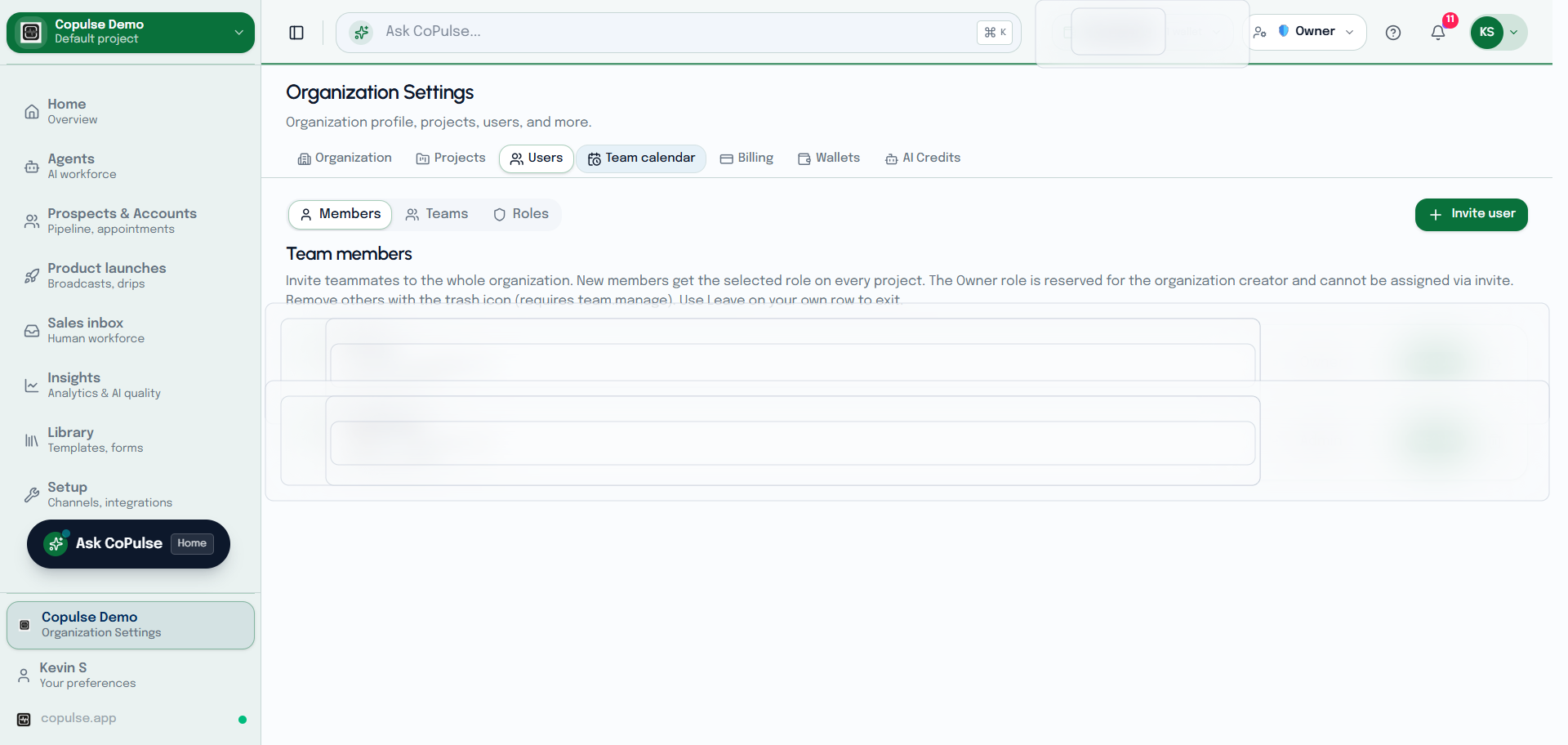
- Open Settings → Users → Members.
- Invite by email and assign a role.
- The person accepts the invite link and joins this organization.
- Remove a member when they leave. They lose access to every project in the organization.
- You can leave an organization yourself from Profile → Account (you are removed from every membership).