
Library
Forms
Create, preview, and inspect submissions on Library → Forms. The same form can render on the web and as a WhatsApp Flow. Attaching it to an agent is a separate step.
In the app: Library → Forms
Create and publish
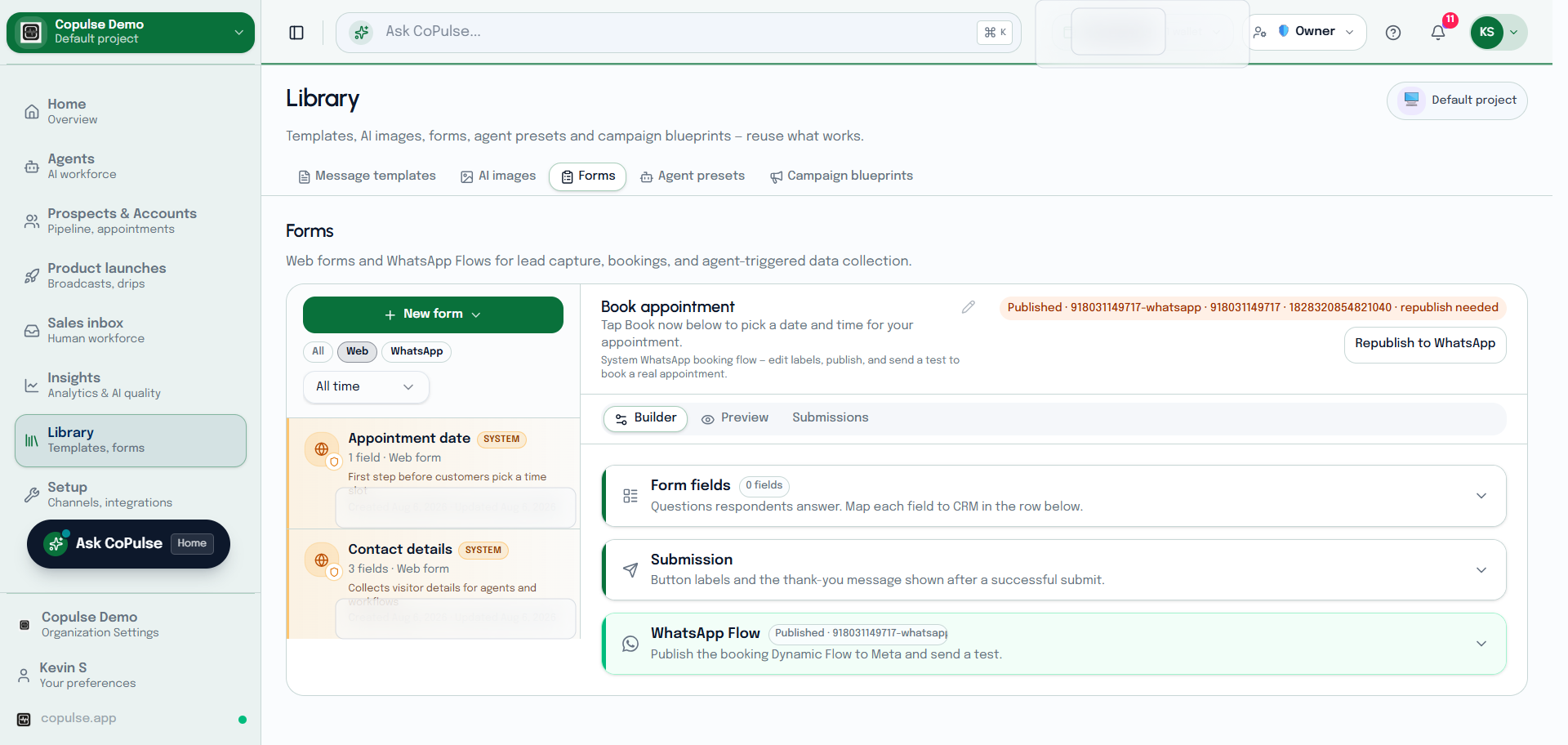
- Open Library → Forms and create a form.
- Add fields in the builder. Use Preview.
- Publish. Share the public URL (
/f/…) or embed on web chat. - For WhatsApp, publish the Flow and confirm it is not stale before the agent sends it.
- Read submissions on the Submissions tab. To show the form in a live conversation, follow Use a form in an agent.