
Inbox
Tickets
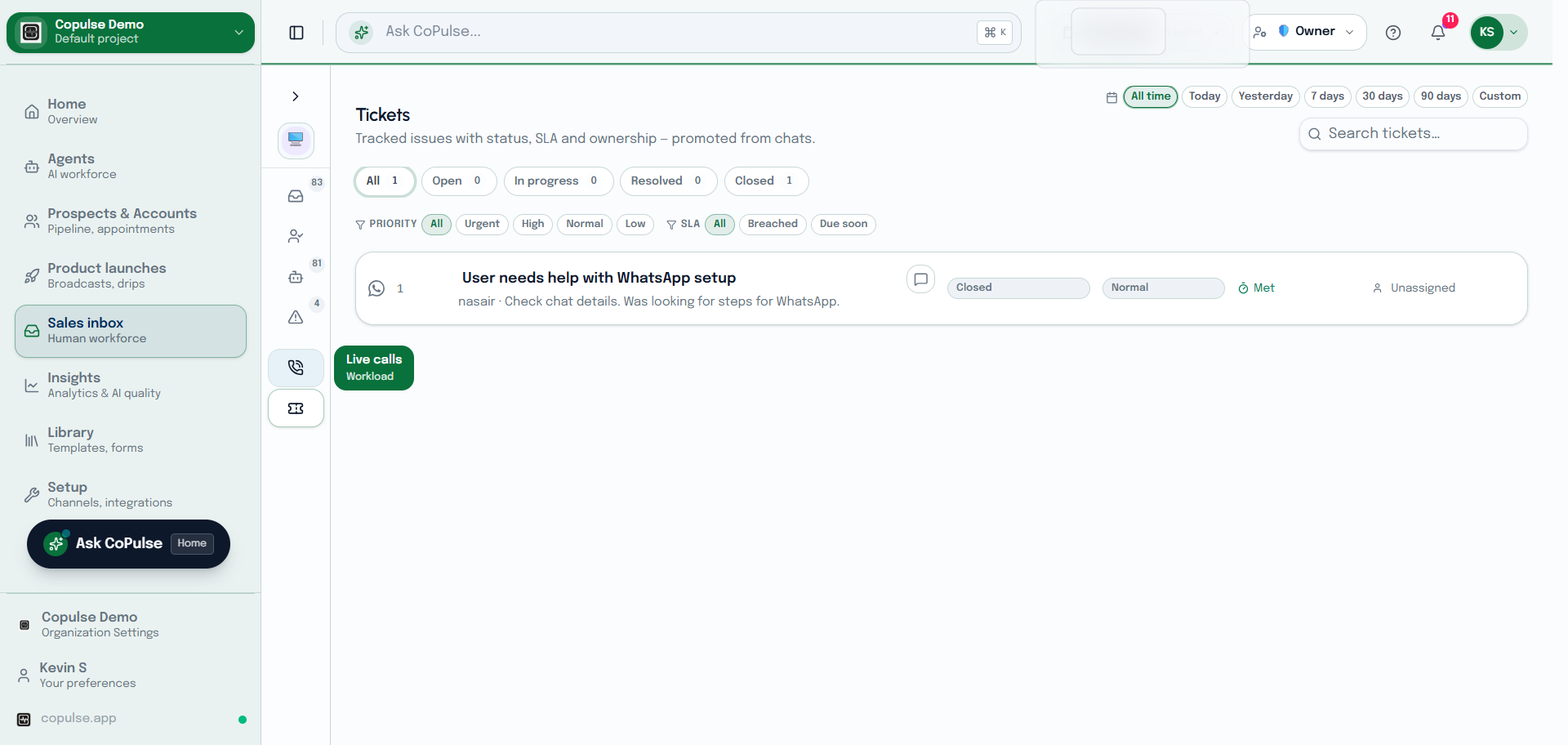
Tickets track work that should survive the chat — a complaint, a callback, an ops follow-up. They hang off the conversation and the customer.
In the app: Inbox → Tickets
From a conversation
- Open the thread and the context panel.
- Under Tickets, create a ticket (subject, assignee).
- Or open Inbox → Tickets for the full list, statuses, and assignee filters.
- Resolve the ticket when the work is done. The chat can stay open independently.