CoPulse Help

Web chat

Install the chat widget

The snippet loads the bubble. Put it on every page where you want chat, typically before .

Install

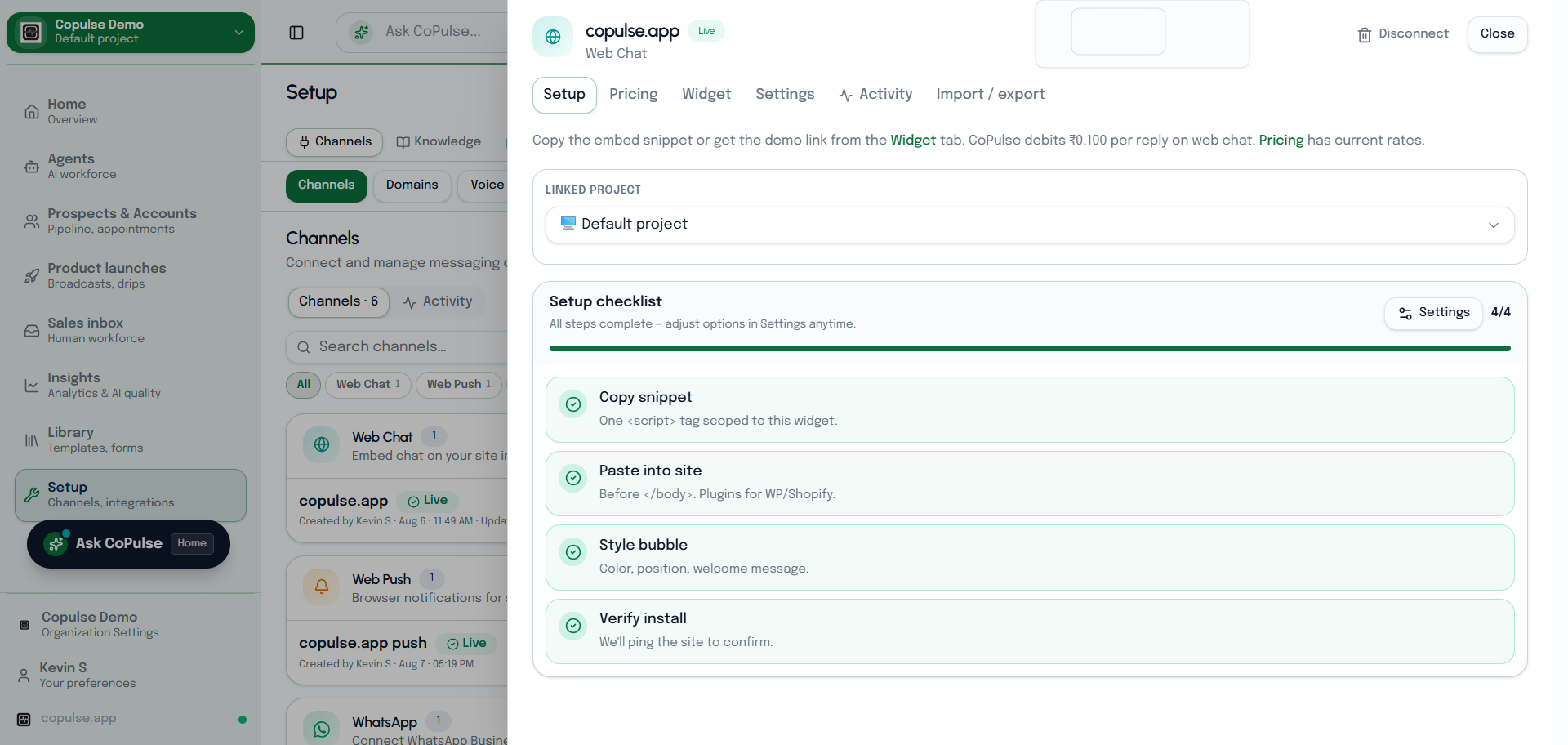
CoPulse web chat Setup tab showing the install snippet and channel status.
The Setup tab holds the embed snippet you paste before the closing body tag.
  1. Copy the snippet from Setup → Channels → Web chat.
  2. Paste it into your site template (or WordPress / Shopify custom liquid / theme footer).
  3. Publish and hard-refresh the page.
  4. Click the bubble, send a test message, and confirm it in Inbox on this project.
  5. If you use contact capture or appointment nudge, walk through those once on staging before production.

CSP and previews

  • If the bubble is blocked, allow the CoPulse script origin in Content-Security-Policy (script-src and connect-src).
  • Some site builders cache HTML — purge cache after adding the snippet.