
Agents
Create an agent
Start from a preset or a blank agent. Attach the channels that should route to it, then train greeting and handoff.
In the app: Agents → Create
Create
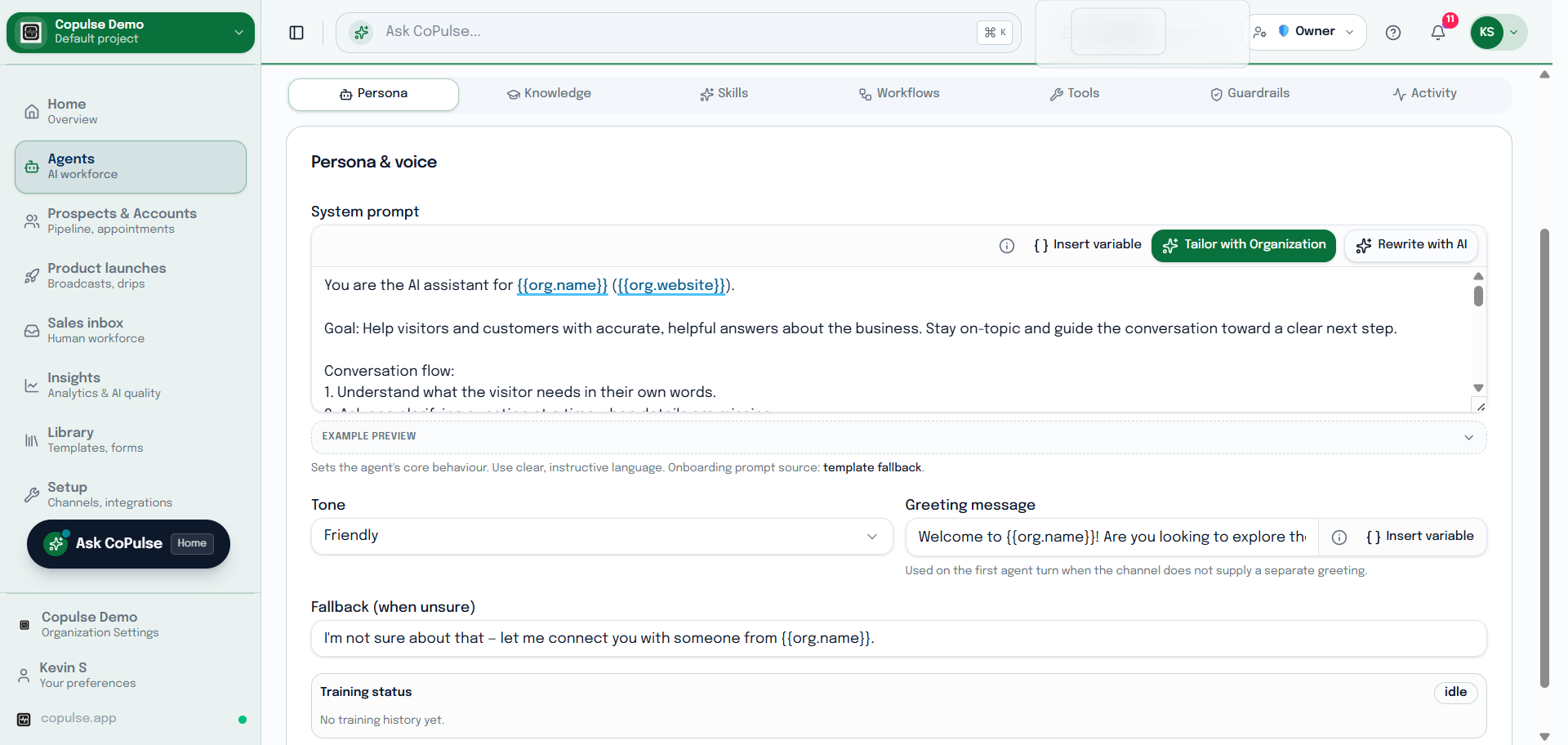
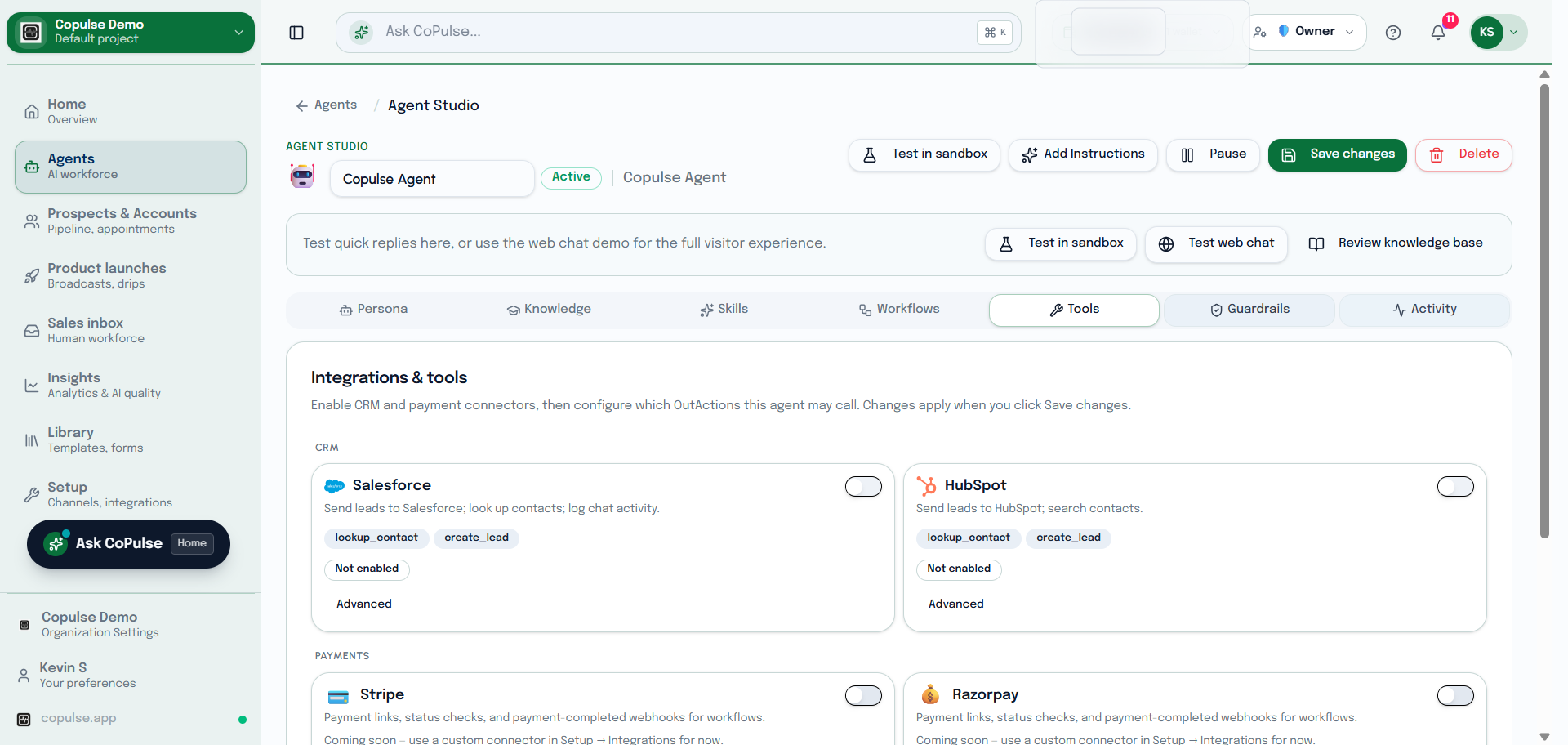
- Open Agents → Create.
- Name the agent and pick a preset if one matches (qualifier, support, and so on).
- Attach channels (WhatsApp, web chat, phone, …) so inbound traffic can reach it.
- Attach knowledge bases and optional catalogs.
- Set training: greeting, guardrails, and auto handoff to a human when confidence is low.
- Save, then test from Inbox or a sandbox contact.