
Customers
Deals
A deal is an opportunity on your pipeline. It links to an account (and usually a contact) and moves through stages you define in pipeline setup.
In the app: Customers → Deals
Create and move deals
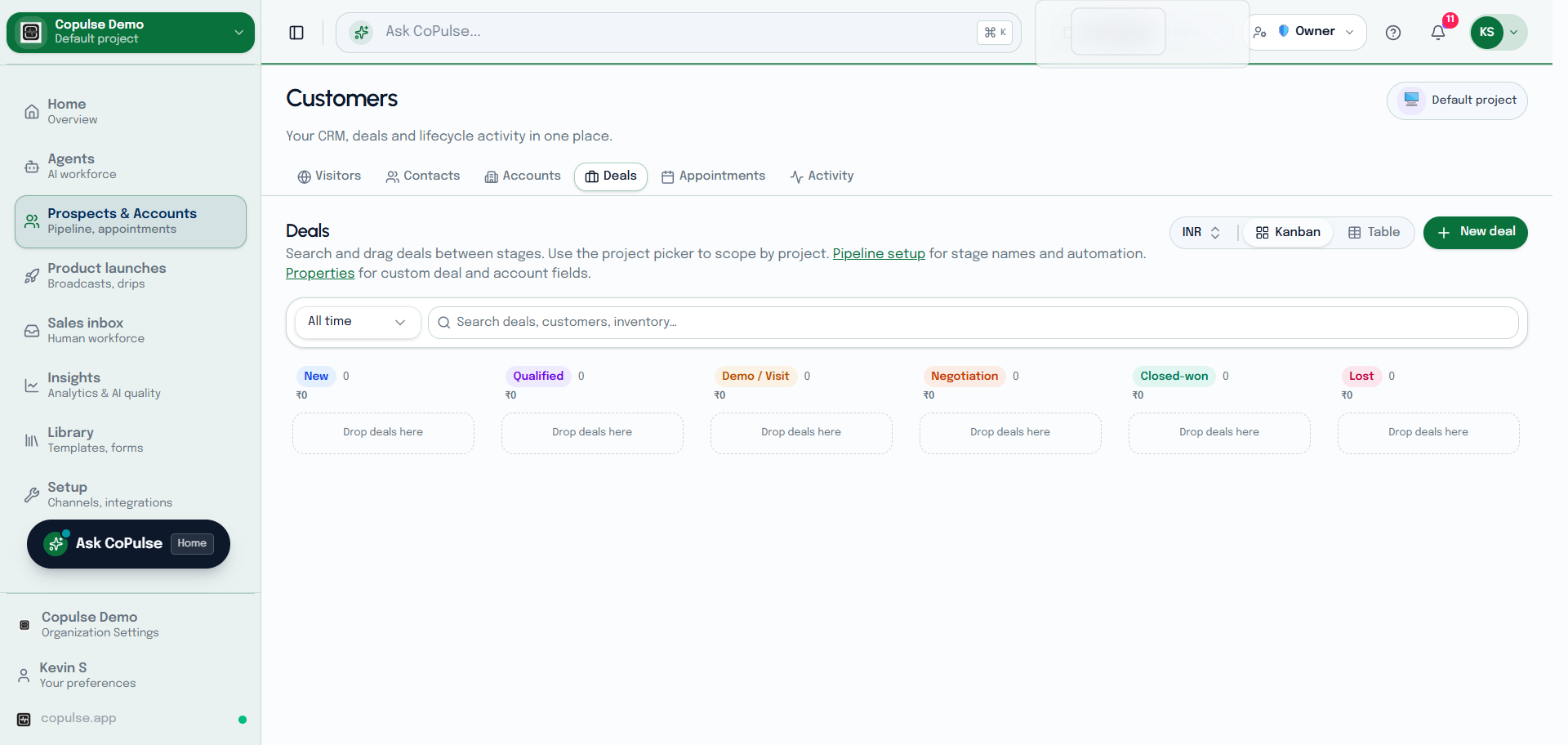
- Open Customers → Deals (you need CRM deals permission).
- Create a deal: name, account, amount, and starting stage.
- Move the deal when the opportunity changes. Stage changes can fire workflows.
- Fill deal custom properties if you defined any.
- In Inbox, context shows the primary deal for the linked customer so agents can talk about the live opportunity.