
Growth
Drip campaigns
A drip is a sequence (wait → message → wait → message) that enrolls contacts and stops on reply, conversion, or opt-out. Create and edit drips on the same Drips pages.
In the app: Growth → Drips
Create a drip
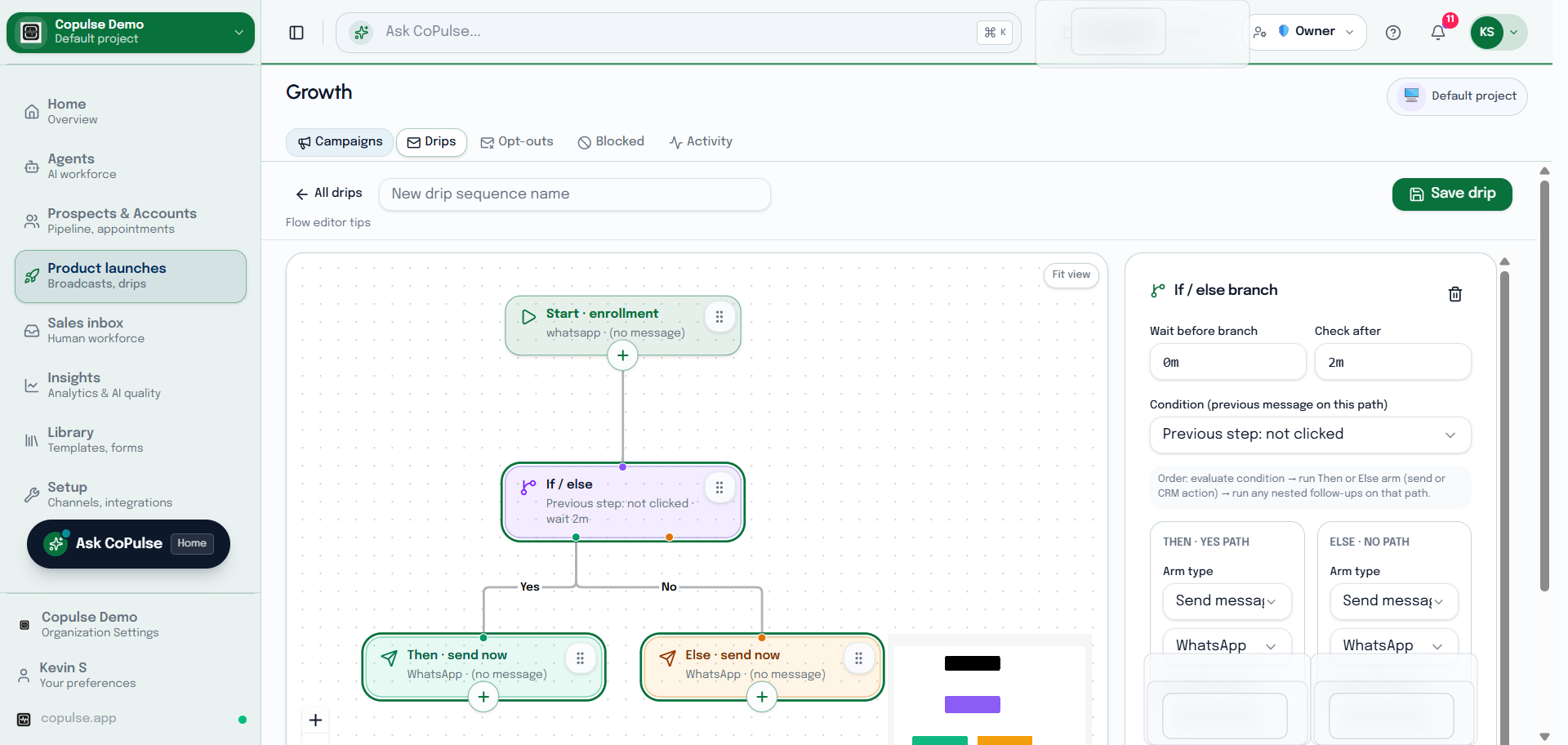
- Open Growth → Drips and create a drip.
- Add steps: channel, template or content, and delay before the next step.
- Set who can enroll (list, segment, or a form/workflow later).
- Save, then start the drip. Open a drip to inspect enrollments and edit steps.
- If a contact replies or unsubscribes, they should exit remaining marketing steps on that channel.
Opt-out and blocked
Drips use the same opt-out and block lists as campaigns. A blocked identifier will not be enrolled. An unsubscribe recorded mid-drip must stop later promotional steps on that channel.