
Agents
Use a form in an agent
Build the form in Library first. Then the agent (or a workflow) can present it on web chat or as a WhatsApp Flow.
In the app: Library → Forms
Wire a form into the agent
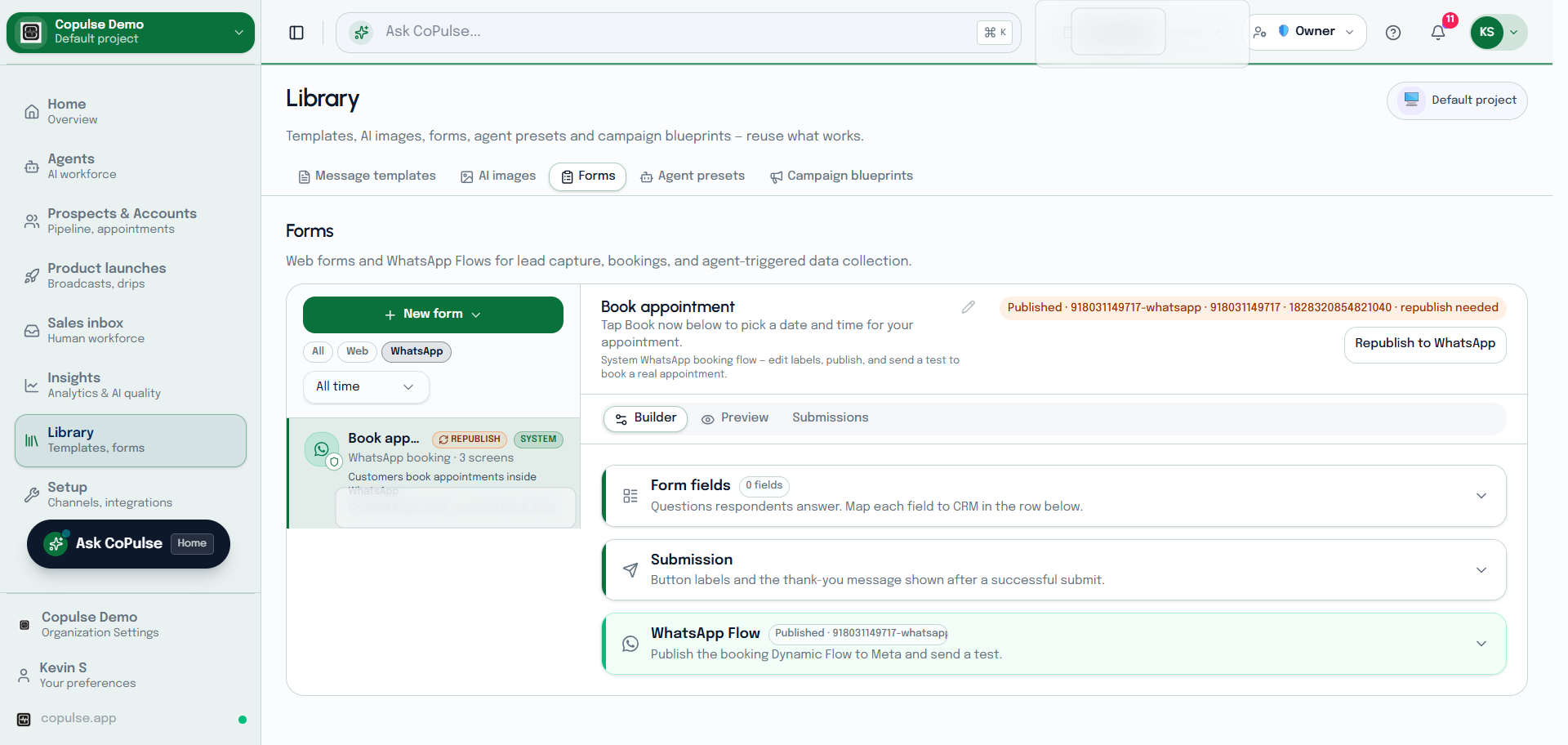
- Create and publish the form under Library → Forms.
- For WhatsApp, publish the Flow variant and wait until it is not stale.
- On the agent or in a workflow, add the step that shows that form.
- Test on web chat and on WhatsApp. Submissions appear on the form’s Submissions tab and can create contacts or appointments.