
Knowledge
Link a knowledge base to an agent
A base does nothing in live chat until an agent (or workflow knowledge step) references it.
In the app: Agents
Attach
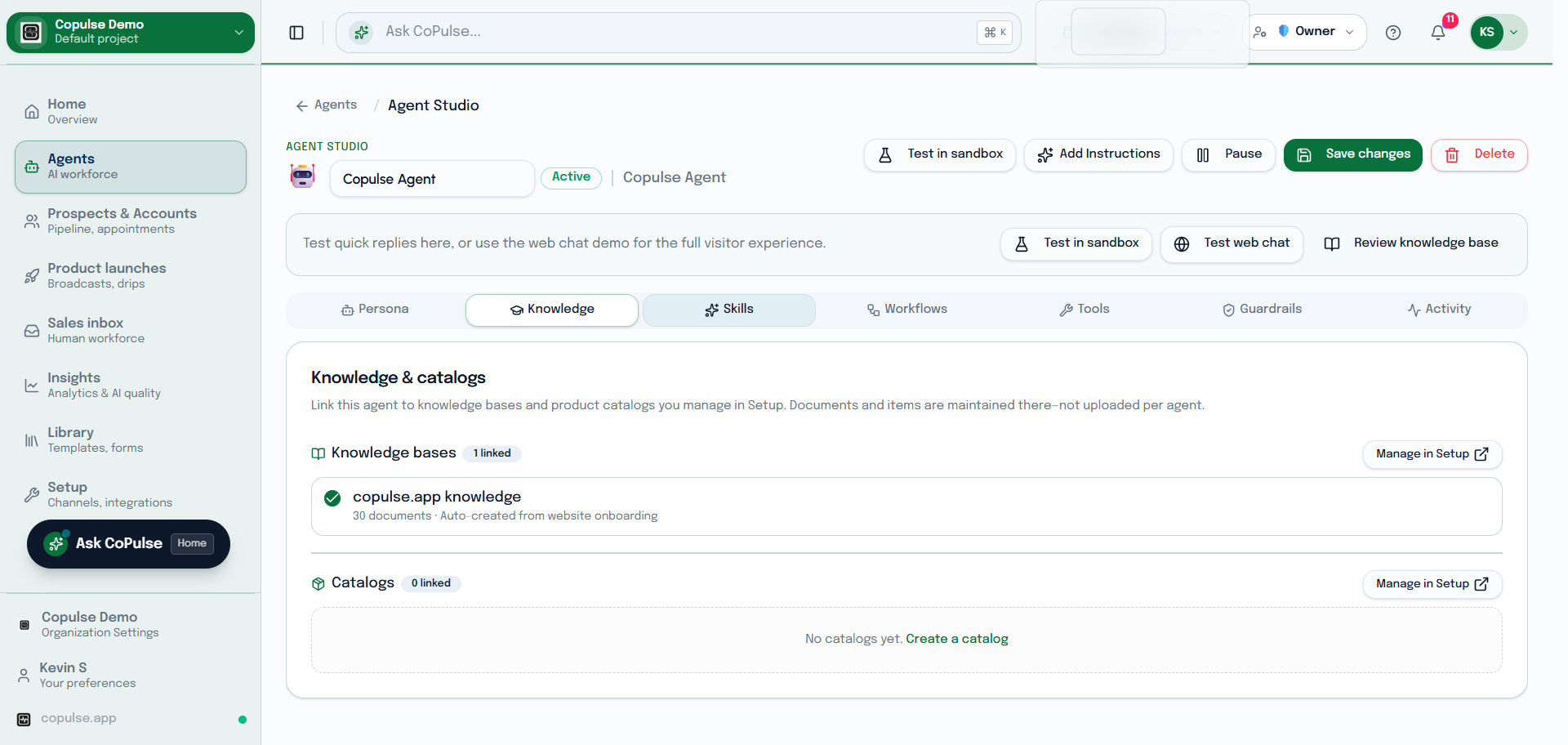
- Open the agent in Agent Studio.
- Select one or more knowledge bases.
- Save, then send a test question whose answer exists only in those documents.
- In Inbox, open context if you need to see how the conversation was handled.