
Inbox
Chat and sending templates
Open a conversation from All, Needs attention, or AI handled. Type a reply, or insert an approved template when the channel requires one.
In the app: Inbox
Reply
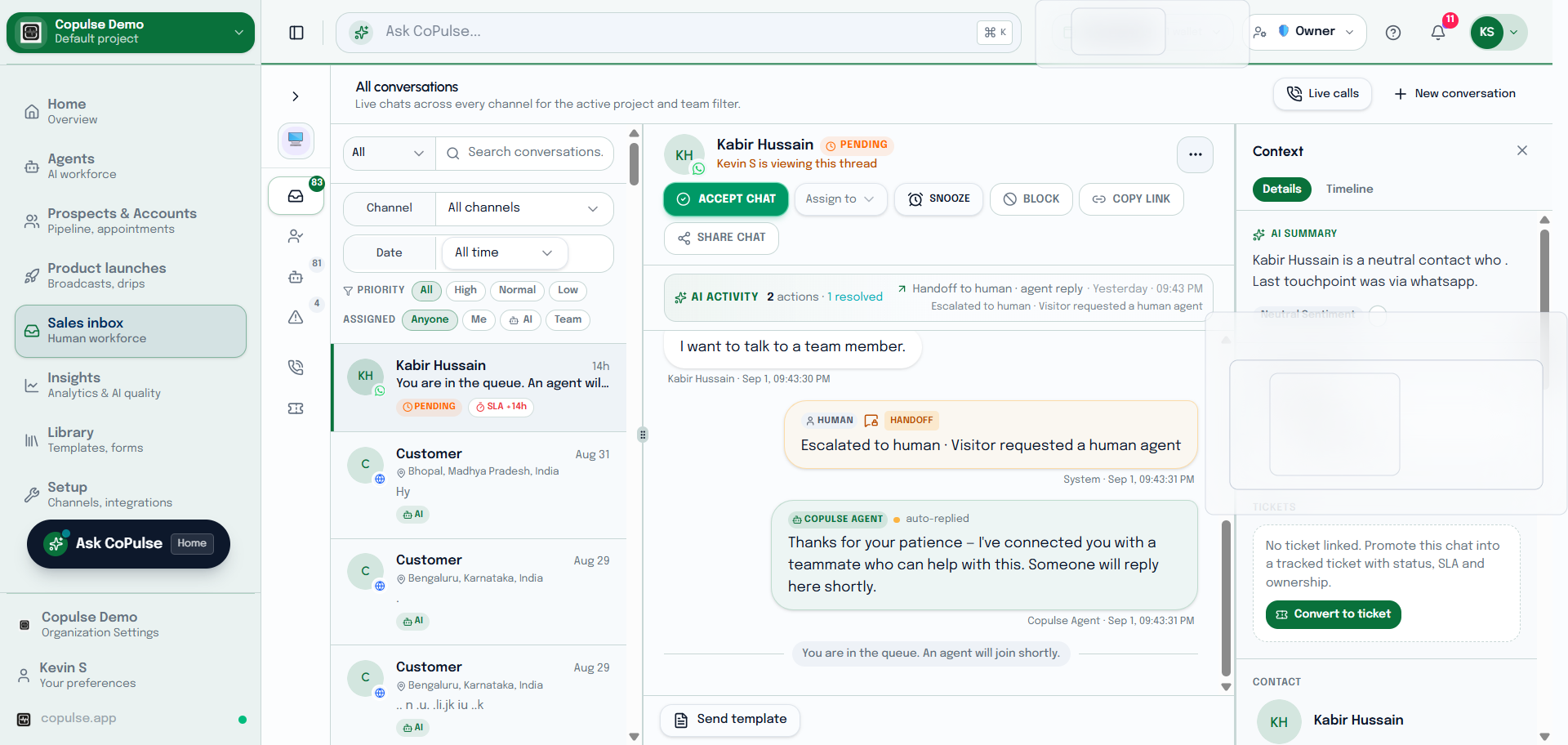
- Open Inbox and select a thread.
- Read the latest messages. WhatsApp marketing outside the 24-hour window needs a template, not free text.
- Type in the composer and send. Attachments use document storage when you have a storage connector.
- If send fails, read the error — wallet, template, or session-window issues are the usual causes.
Send a template
- In the composer, choose send template (WhatsApp HSM, email, or other channel templates from Library).
- Pick an approved template and fill variables.
- Send. The customer receives the templated message; the thread stays in Inbox.