
Organization
Projects
A project holds channels, agents, campaigns, and CRM data for one operation (a brand, a city, a business unit). Switch projects from the header project picker.
In the app: Settings → Projects
Create and switch
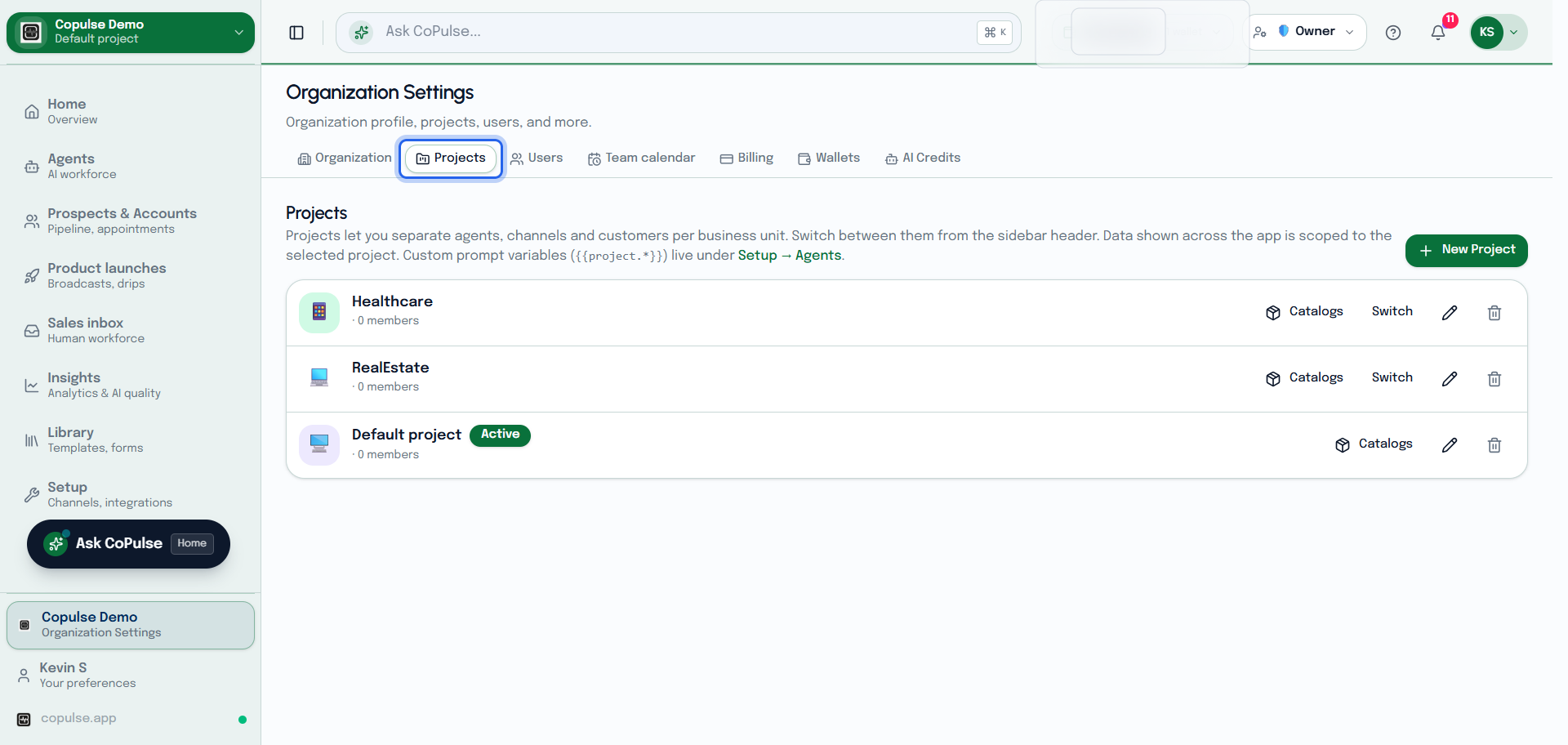
- Open Settings → Projects and create a project (quota permitting).
- Switch with the header project picker — not the organization switcher (top right), which changes the tenant.
- Connect channels and agents again on the new project; they are not shared automatically.