
Agents
Skills
A skill is a named capability (how to qualify, how to explain pricing) with its own prompt. Create and edit skills on Agents → Skills, then attach them on the agent. There is no separate create-only help page.
In the app: Agents → Skills
Create and attach
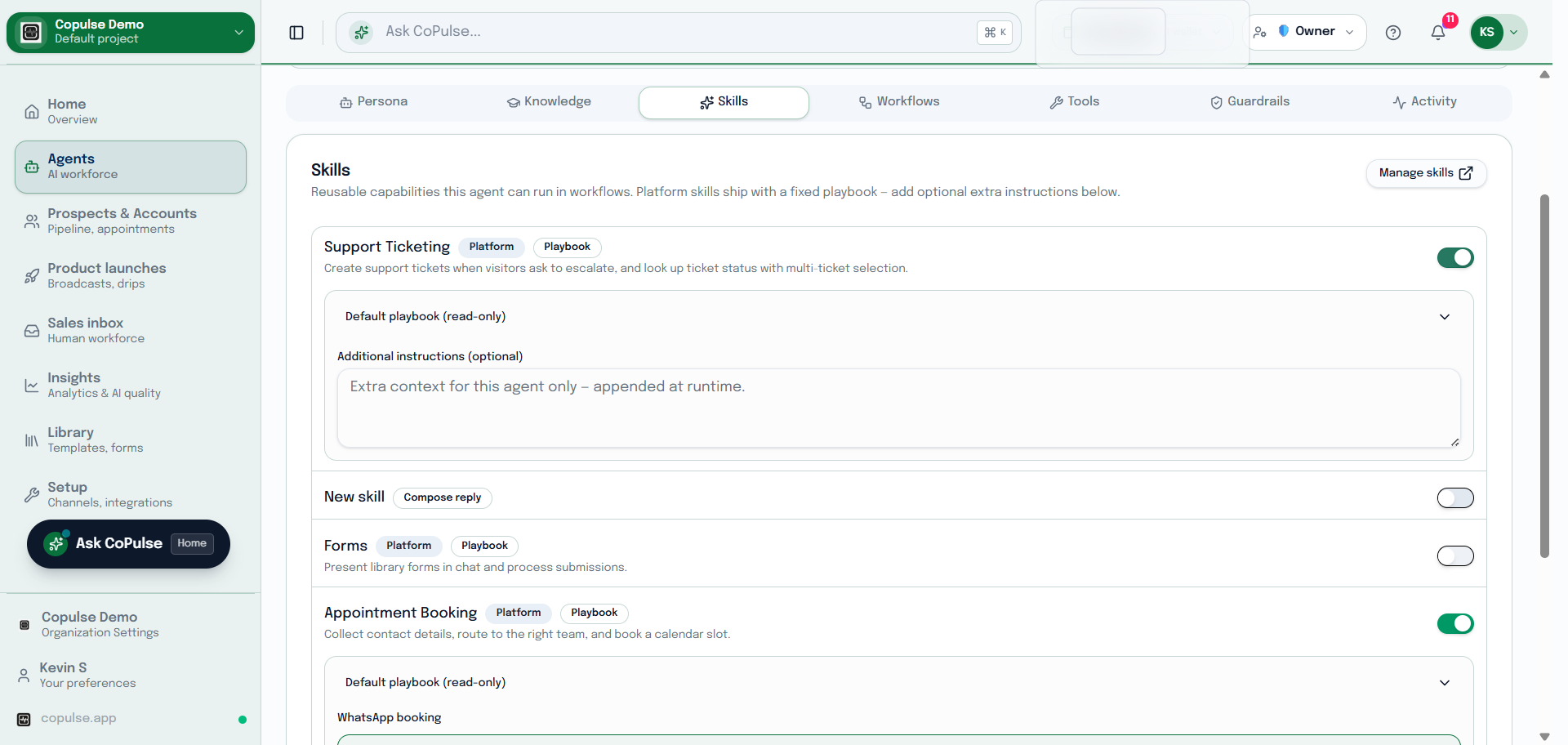
- Open Agents → Skills and create a skill.
- Name it and write the prompt — what the agent should do when this skill runs.
- Save, then open the agent and attach the skill.
- Test a conversation that should trigger it. Adjust the prompt rather than packing everything into the main system prompt.