
SMS
Connect SMS
SMS on CoPulse uses MSG91. It is not WhatsApp session chat and not RCS. India sends require DLT sender IDs and approved templates.
In the app: Setup → Channels → SMS
Connect MSG91
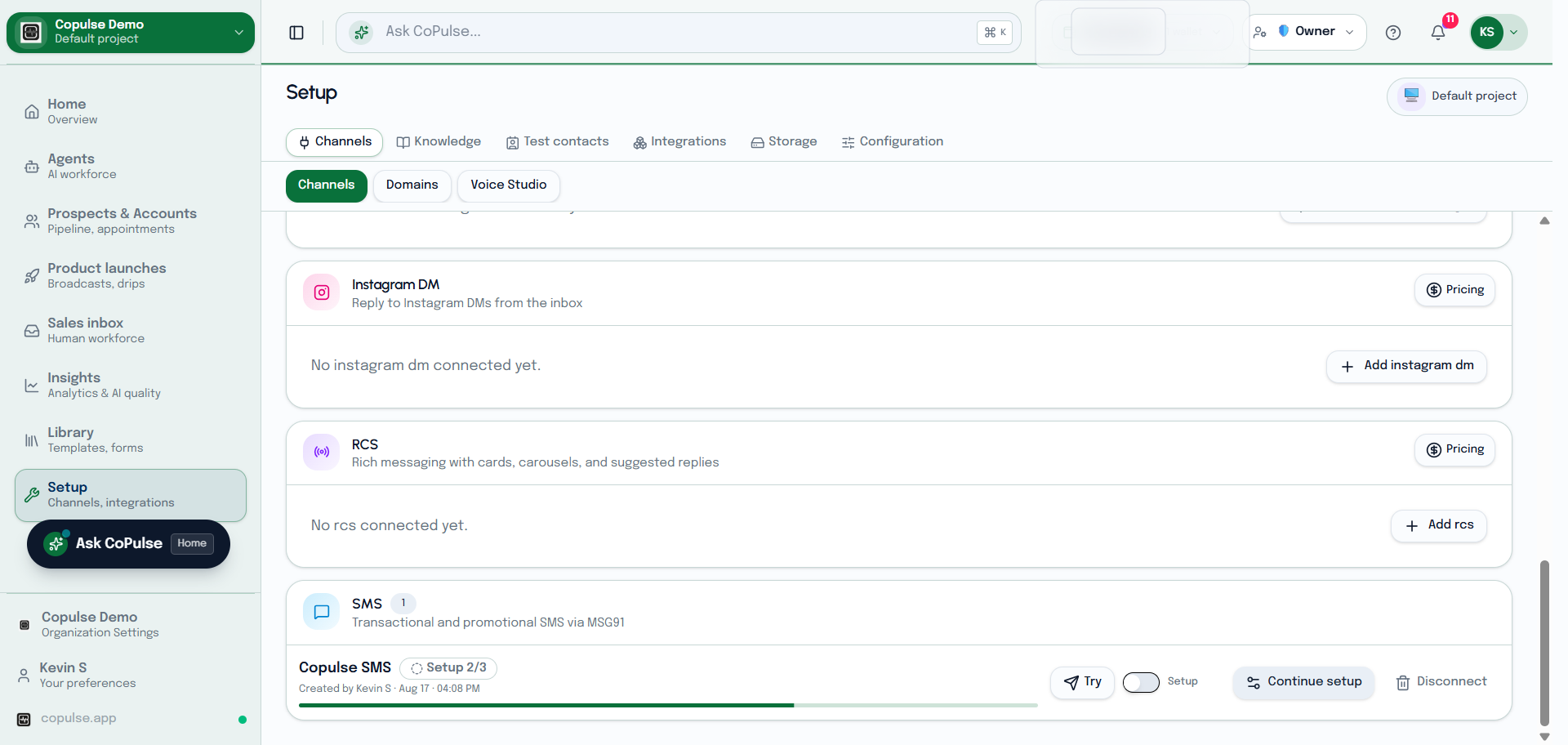
- Create or log in to MSG91 and copy the Authkey.
- In Setup → Channels → SMS, paste the Authkey and save.
- For India, complete DLT and sender ID before promotional or transactional traffic.
- Create SMS templates, then send from a campaign or drip. Replies (if any) are not a full two-way inbox the way WhatsApp is.
Settings and what they mean
CoPulse provisions the MSG91 child account. The Authkey is stored encrypted and never shown in full.
| Setting | What it means |
|---|---|
| Label | CoPulse name for this SMS channel in lists. |
| Sender ID | DLT-approved header (typically six characters in India). Must match the header on the Library template. |
| DLT PE / Entity ID | Principal Entity ID from the operator DLT portal. Map it to the header on MSG91, then paste it here. |
How to test SMS
- Add your mobile under sandbox contacts.
- Create a Library SMS template with the same body and DLT template ID as the approved DLT content.
- On Settings → Try this channel, pick that template and Send test. SMS to a new number needs an approved template; a reply to an inbound SMS does not.
- Confirm the SMS arrives and check channel Activity if it does not (sender ID mismatch, DLT, or wallet).