
Outbound email with Amazon SES
SES is the default CoPulse sending path. You attach a domain from Setup → Domains, then pick a From identity on the email channel.
In the app: Setup → Domains
Domain and DNS
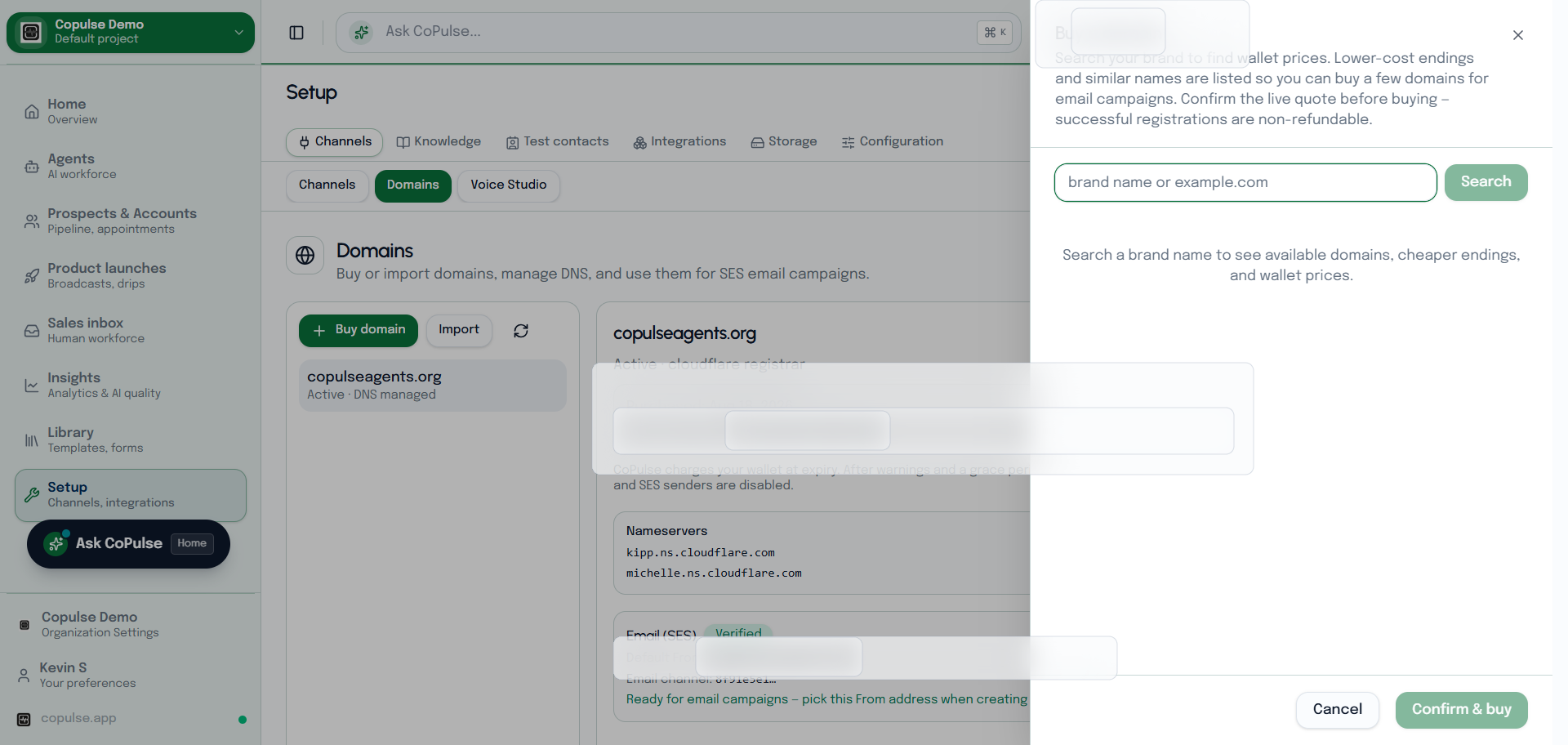
- Open Setup → Domains. Buy a domain in CoPulse or import one you already own.
- Add the SPF, DKIM, and any MX records CoPulse shows. Wait until verification succeeds.
- If Amazon requires production access for SES, complete that request before high-volume sending.
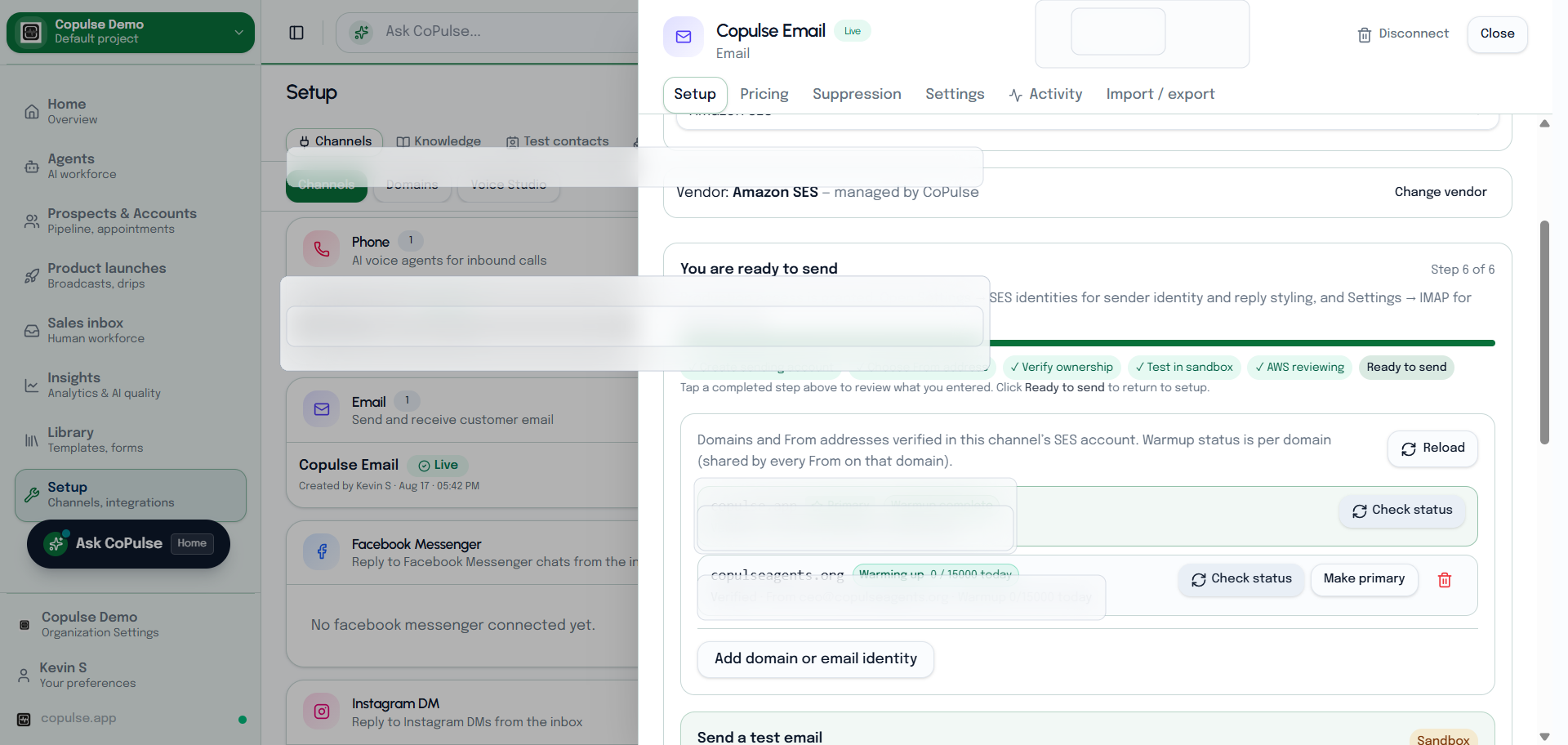
- On Setup → Channels → Email, choose SES and the verified From identity.
- Send a test to a mailbox you control.
How to test SES
- In the SES wizard or email Settings, Send test email to a verified inbox (required while SES is in sandbox).
- Check From identity and spam folders if SPF/DKIM are still propagating.
- Reply to that message only after IMAP is on if you need it in Inbox — see inbound.