
Setup
Integrations and connectors
Connectors sync or call external systems (CRM, calendar, and other OAuth apps). Developer API keys are for your own backend — they are not dashboard logins.
In the app: Setup → Integrations
Connectors
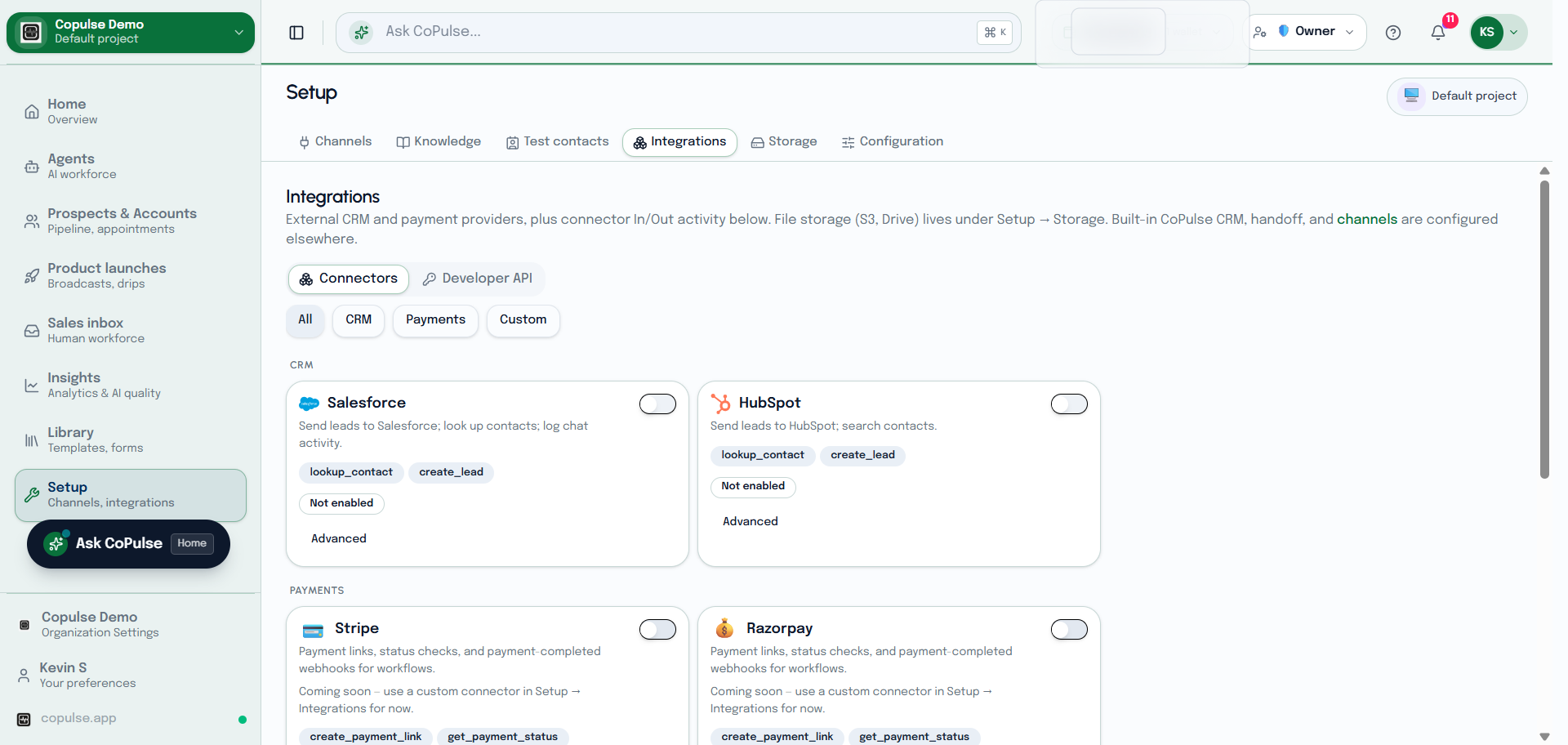
- Open Setup → Integrations → Connectors.
- Pick a connector, complete OAuth, and save.
- Use Call integration inside a workflow after credentials exist.
- Prebuilt templates under the same area install a known recipe (storage connectors also appear under Setup → Storage).
Developer API
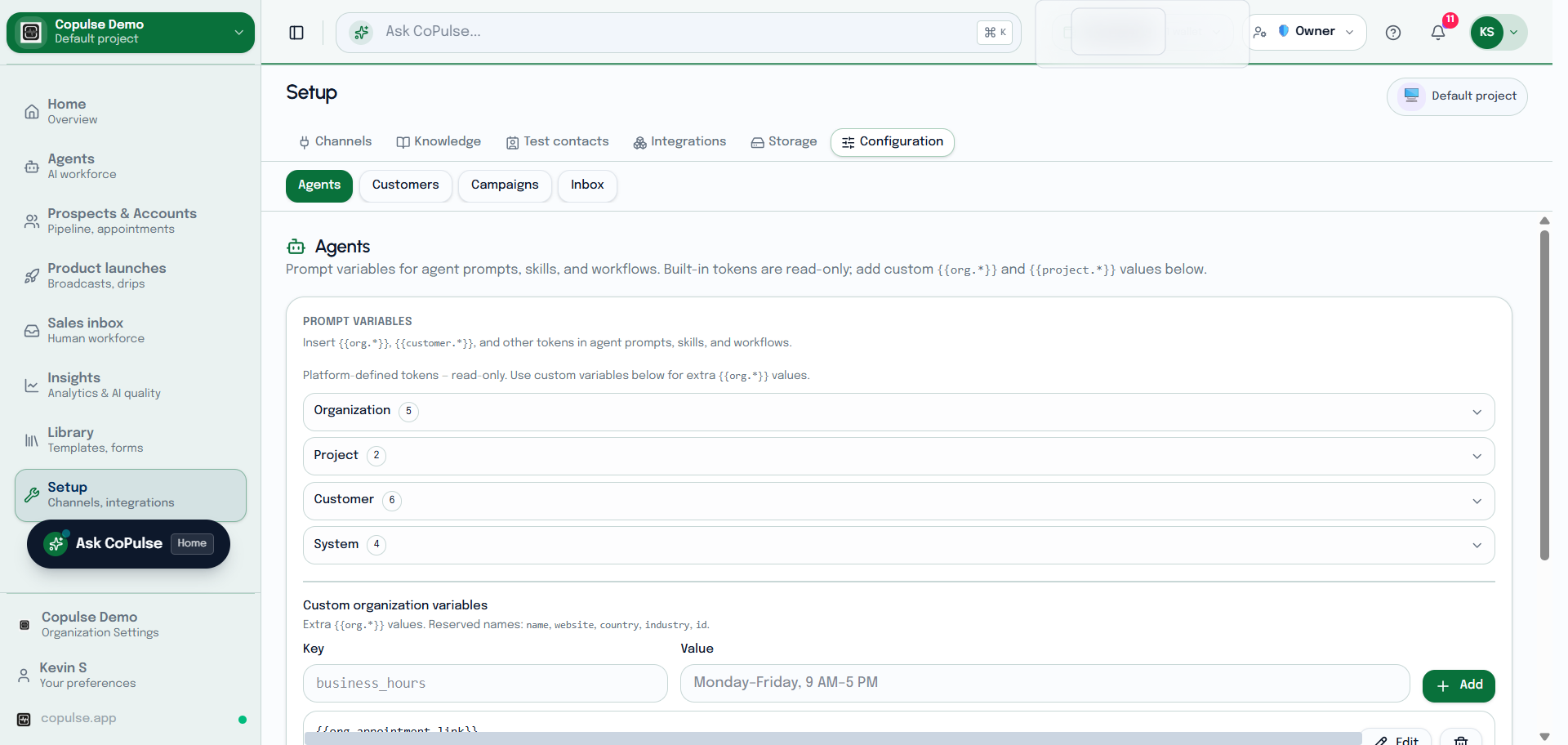
- Open Setup → Integrations → Developer API (also under Insights → Developer API).
- Create a project API key with the scopes you need (outbound message, CRM write, workflow kick).
- Call
/api/v1/integrations/…withAuthorization: Bearer cp_live_….
Full reference: Integrations API.